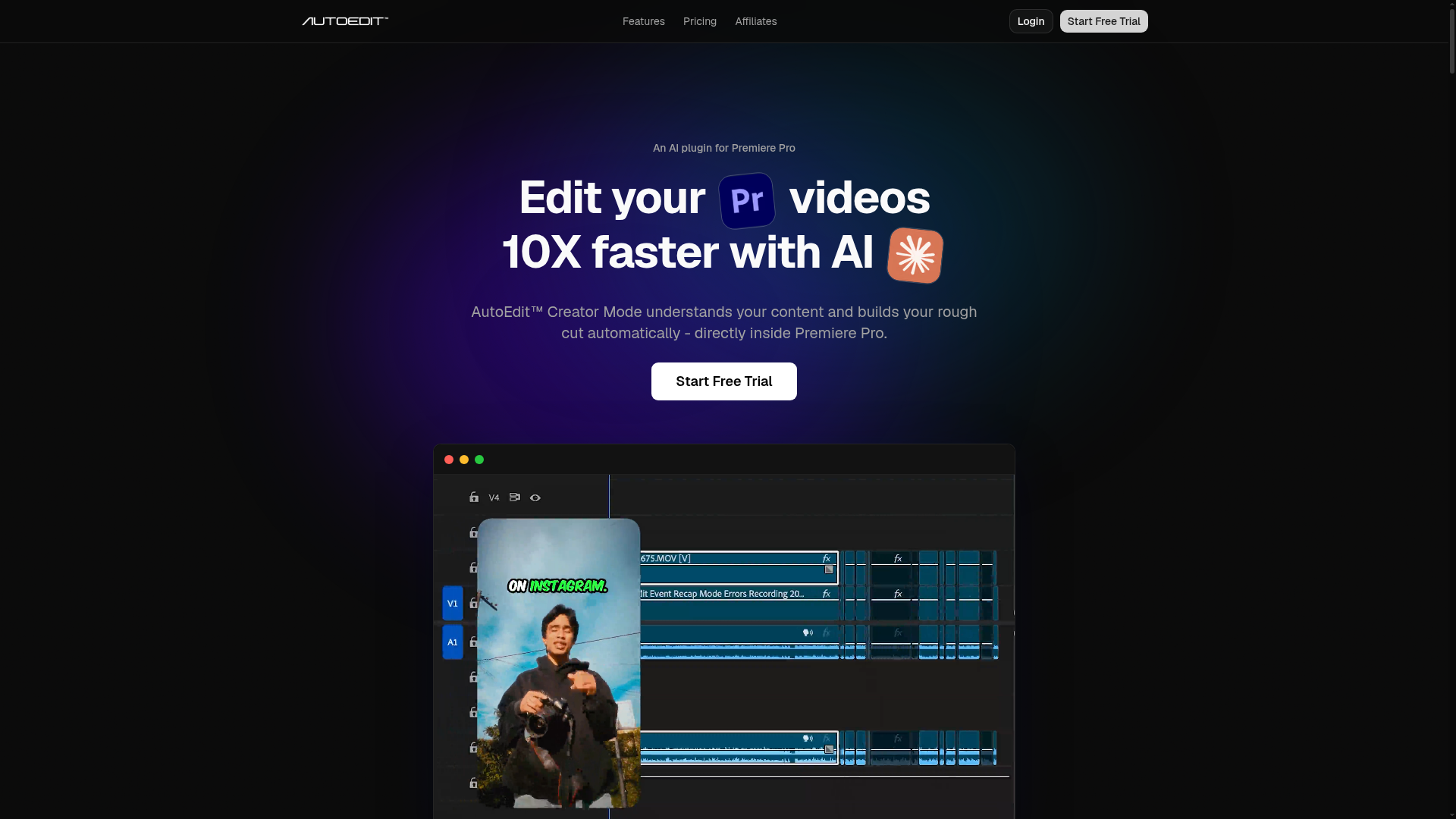
If you edit in Premiere Pro, you already know the part that kills your momentum: the first pass. Going through raw footage, cutting the silences, removing the "ums", trimming the long pauses, getting the pacing to feel tight before you've even started working on the actual story. AutoEdit AI handles that first pass for you — natively, inside your existing Premiere Pro workflow.
What "Creator Mode" actually does. AutoEdit's Creator Mode is built for talking-head and voiceover content — YouTube videos, podcasts, interviews, reels, TikToks. It detects silences, removes them automatically, and tightens the pacing of your timeline. No AI prompts required. You don't configure anything complicated — you drop in your footage and the plugin does the work while you get on with something else.
It doesn't replace your editor — it replaces your grunt work. A question that comes up a lot: "Will this replace human editors?" The AutoEdit team is direct about this: no. It handles the repetitive, time-consuming setup — the stuff that takes hours but requires zero creative judgment. Your editor (or you) still control the story, the cuts that matter, the pacing decisions that make a video feel right. AutoEdit just gets you to that point faster.
Content types it handles well. Creator Mode works across YouTube videos, podcasts, reels, TikToks, and interview footage. If your content is primarily talking-head or has a clear voiceover track, AutoEdit will have something useful to do with it. It's less suited to heavily cinematic or b-roll-heavy content where the narrative isn't driven by a spoken track.
Trial and pricing. A credit card is required to start the free trial, but you can cancel before the trial ends and pay nothing. Plans scale with monthly usage volume — if you go over your limit you can upgrade anytime. The FAQ confirms this is not a "lose your progress if you upgrade mid-month" situation.
Who Is It For?
YouTubers who edit their own content and want to cut their editing time significantly. Podcasters who record long sessions and need a fast first-pass cut. Agencies editing interview and talking-head content at volume. Anyone who edits in Premiere Pro and is tired of spending the first two hours of every edit just cleaning up the raw footage.
Best Niches to Use With
Pros and Cons
What Works Well
- Runs natively inside Premiere Pro
- No prompts or configuration needed
- Handles silence removal automatically
- Works for YouTube, podcasts, reels, TikTok
- Free trial available (cancel anytime)
- Upgrade mid-month if you need more capacity
Worth Knowing
- Credit card required for trial
- Premiere Pro only — no other NLEs
- Best for talking-head/voiceover content
- Monthly usage limits on base plans
The Bottom Line
AutoEdit AI earns its place in any Premiere Pro editor's toolkit. The value proposition is simple and honest: it doesn't replace your creative judgment, it replaces the hours of mechanical work that happen before your creative judgment even kicks in. If you're editing talking-head or voiceover content in Premiere and the first-pass cleanup is eating your time, this is worth the trial. No prompts, no learning curve — just faster editing.