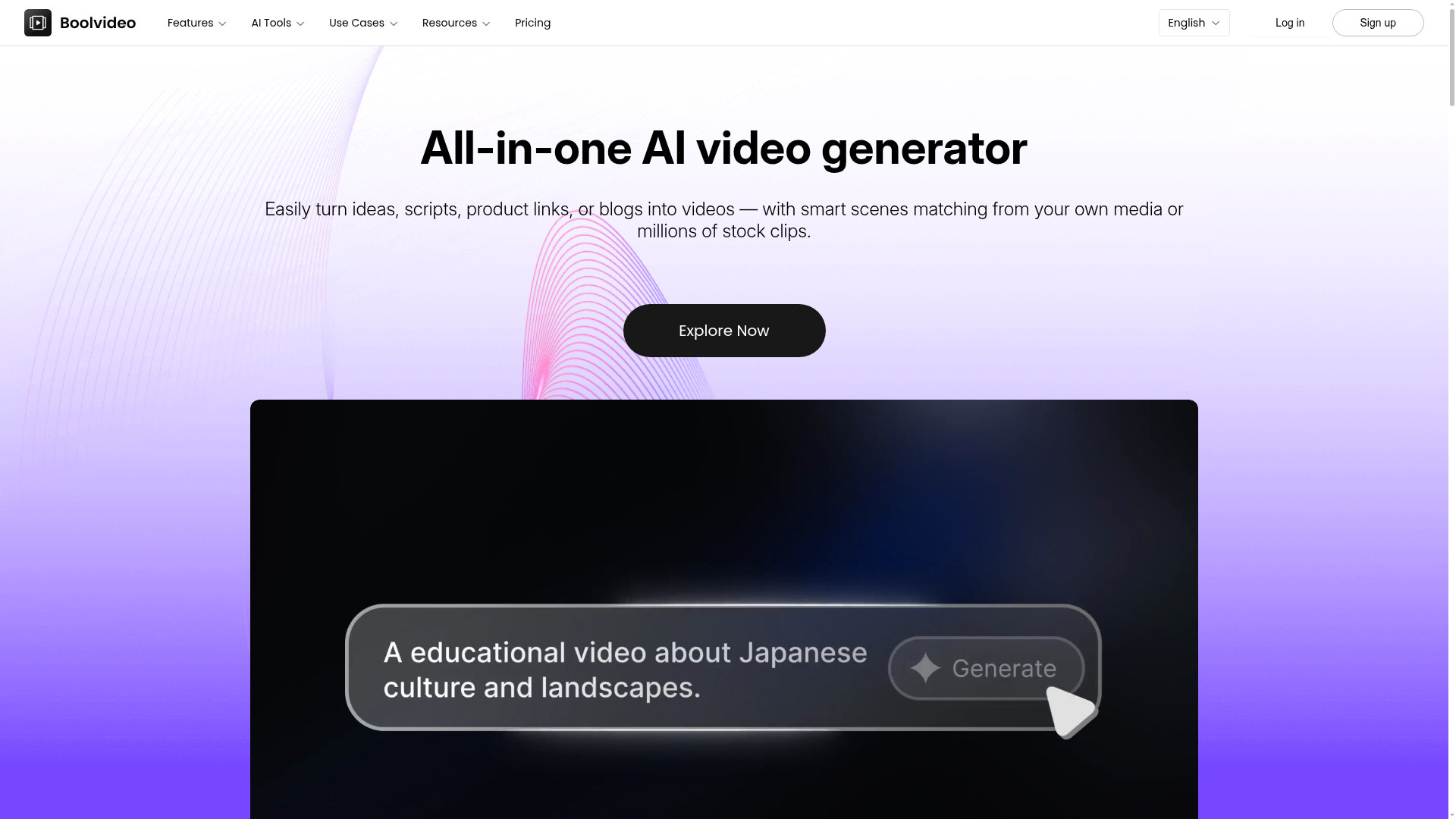
The gap Boolvideo fills is real: most creators know they should be posting more video content, but actually producing it is the bottleneck. Scripting, recording, editing, sourcing B-roll, adding voiceover — even a 60-second social video can eat an afternoon. Boolvideo collapses that workflow into something you can actually turn around in a sitting.
The different input modes. Most AI video tools give you one input method. Boolvideo gives you several: Idea to Video (describe what you want and it writes the script and builds the video), Script to Video (paste in your existing script), Product to Video (drop in a product URL or image and it creates a showcase video), Blog to Video (paste an article and it extracts the key points and turns them into a video), and Visuals to Video (upload your own photos or clips and it assembles them into a dynamic video). This flexibility is genuinely useful because your starting point varies depending on what you're making.
Your own media library. One thing that sets Boolvideo apart from simpler stock-clip generators is that you can upload your own brand assets — your own product images, footage, logos — and it prioritises those when building the video. For anyone making branded content rather than generic stock-clip compilations, this is a significant advantage. The result actually looks like yours.
The free plan and what you get. You get 300 credits on signup — enough to export about three videos. It's not a lot, but it's enough to properly test the platform with real content rather than a toy example. Export is in MP4 at up to 1080p depending on your plan, with full commercial use rights.
What the reviews actually say. Real users consistently mention the speed, the ease for non-editors, and the quality of the AI scene matching. The most common criticism is that it's better for social content and short-form than for long documentary-style videos, which tracks — it's a content volume tool, not a replacement for production-grade editing software.
Who Is It For?
Faceless YouTube creators who publish explainer or product content at volume. E-commerce creators making product videos. Social media managers who need consistent video output. Bloggers and writers who want to repurpose their text content into video without learning a new skillset. Basically any creator who's sitting on a backlog of content ideas they never got around to filming.
Best Niches to Use With
Pros and Cons
What Works Well
- Multiple input modes — idea, script, URL, blog, images
- Upload your own media for branded output
- 70+ language support including voiceover
- No editing skills needed
- Free plan includes real export credits
- Fast turnaround — minutes not hours
Worth Knowing
- Free plan is limited to ~3 exports
- Best suited for short-form and social content
- Less control than traditional editing software
- AI scene matching isn't always perfect
The Bottom Line
Boolvideo is a solid choice for creators who need to produce more video content than they currently have time to edit. The multiple input modes mean you can start from wherever you are — an idea, a script, a blog post, a product link — and the ability to use your own media means the output can actually look like your brand rather than generic stock footage. Not a replacement for serious video production, but a genuine time-saver for consistent content output.
Frequently Asked Questions
What is Boolvideo?
Boolvideo is an AI video generator that converts scripts, product links, blog posts, or simple ideas into fully produced videos complete with stock footage, AI voiceover, background music, and captions. It is used by brands, agencies, and solo creators who need to produce video content at scale without video editing skills.
Can Boolvideo create videos from product links?
Yes. Boolvideo can take a product URL — from Amazon, Shopify, or similar — extract the product information and images, and generate a promotional video automatically. This is one of its most popular features for e-commerce sellers and affiliate marketers who want product videos without manual production.
Is Boolvideo free?
Boolvideo has a free plan with limited video credits per month. Paid plans start at around $20/month and increase the number of videos you can generate and unlock higher output resolution. The free plan is useful for testing before upgrading.
How good is the video quality from Boolvideo?
For template-based marketing content and short social media clips, Boolvideo produces good results. For cinematic quality or highly specific creative visions, AI video generators still require manual refinement. It works best when you have clear, product-focused content rather than abstract or narrative-heavy videos.
What types of content work best with Boolvideo?
Product promos, explainer videos, social clips, and YouTube Shorts all work well. Where Boolvideo really earns its keep is e-commerce product ads, affiliate marketing content, and turning blog posts into watchable video summaries — that last one alone can save hours every week.