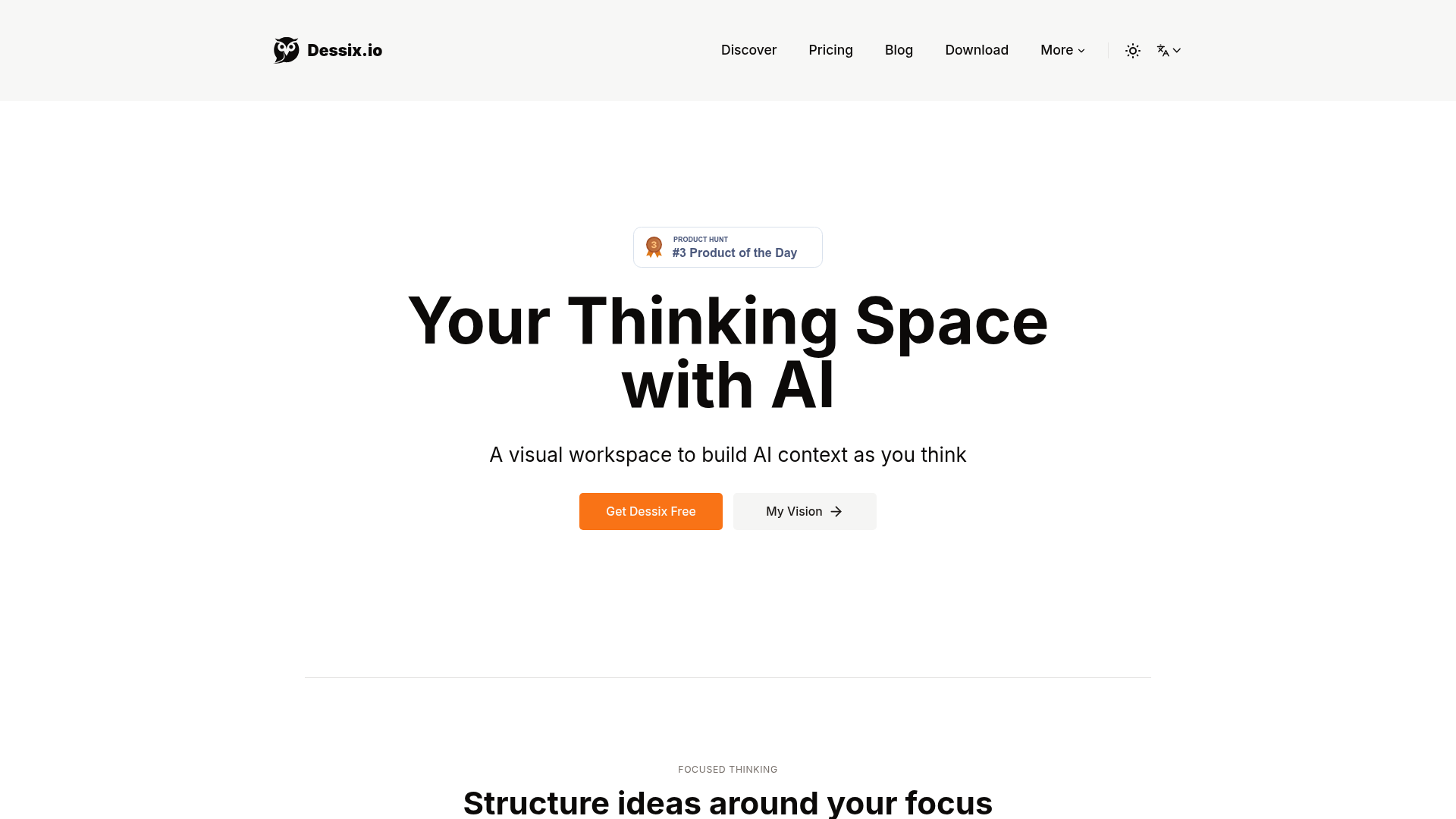
The problem with pasting text into ChatGPT is context — the AI only knows what's in that one message. If you're a researcher, a writer, or someone who works through complex ideas, you spend a lot of time re-explaining your thinking every time you open a new chat. Dessix builds a persistent visual workspace where the AI always has access to what you've collected and organised.
How the shared context actually works. In Dessix you build clusters of notes — text, articles, YouTube videos, imported documents — and the AI's understanding is shaped by what's in that cluster. Move your cursor near a specific note, and the AI assistant draws on that context. It's a bit like working with a research assistant who's sitting in the same room, reading the same papers you are, rather than one you have to brief from scratch every conversation.
Offline-first and privacy-aware. Your notes and data stay entirely in your browser — nothing goes to a third-party server unless you explicitly choose cloud sync. This is a notable difference from most AI tools, where everything you type is processed and potentially stored remotely. For people working with sensitive research, client material, or personal writing, that local storage approach matters.
Multiple AI models, one workspace. Dessix doesn't lock you into one AI provider. It supports OpenAI, Anthropic Claude, Google Gemini, DeepSeek, Qwen, and others — you bring your own API key or use the platform's credits. This means you can use the model that works best for different tasks within the same workspace.
Importing from other tools. You can bring in content from Notion, Obsidian, Roam Research, Apple Notes, and markdown files. For people who already have an existing note-taking system, you don't have to start from zero — the content you've already built can become the context the AI works from.
Who earned it #3 Product of the Day on Product Hunt. The appeal is clearest for people who think visually and work with a lot of source material — researchers who reference 20 papers while writing, content creators who draft from detailed outlines, or consultants who need to synthesise client data with AI help. It's not a replacement for simple AI chat; it's for the moments when you need the AI to understand your full context, not just a single question.
Who Is It For?
Researchers and knowledge workers who accumulate large amounts of reference material. Writers who draft long-form content from detailed source notes. Consultants and analysts working with structured data and documents. Content creators building out complex topic clusters for YouTube or newsletter series. Anyone who's frustrated by having to re-explain context to an AI every single conversation.
Best Niches to Use With
Pros and Cons
What Works Well
- AI works from your actual notes and context
- Data stays local — no privacy concerns
- Supports multiple AI models with your own API key
- Imports from Notion, Obsidian, Apple Notes
- Visual clustering keeps related ideas together
Worth Knowing
- Learning curve — different to standard AI chat
- AI features need internet even if notes are local
- You supply your own API keys for some models
- Not built for quick single-question AI use
The Bottom Line
Dessix is for the kind of work where context is everything. If you regularly copy and paste chunks of your research into an AI chat to explain what you're working on, Dessix removes that step — your notes and the AI share the same space from the start. The offline-first data model and multi-model support make it stand out from tools that are just a chat box on top of one AI provider.