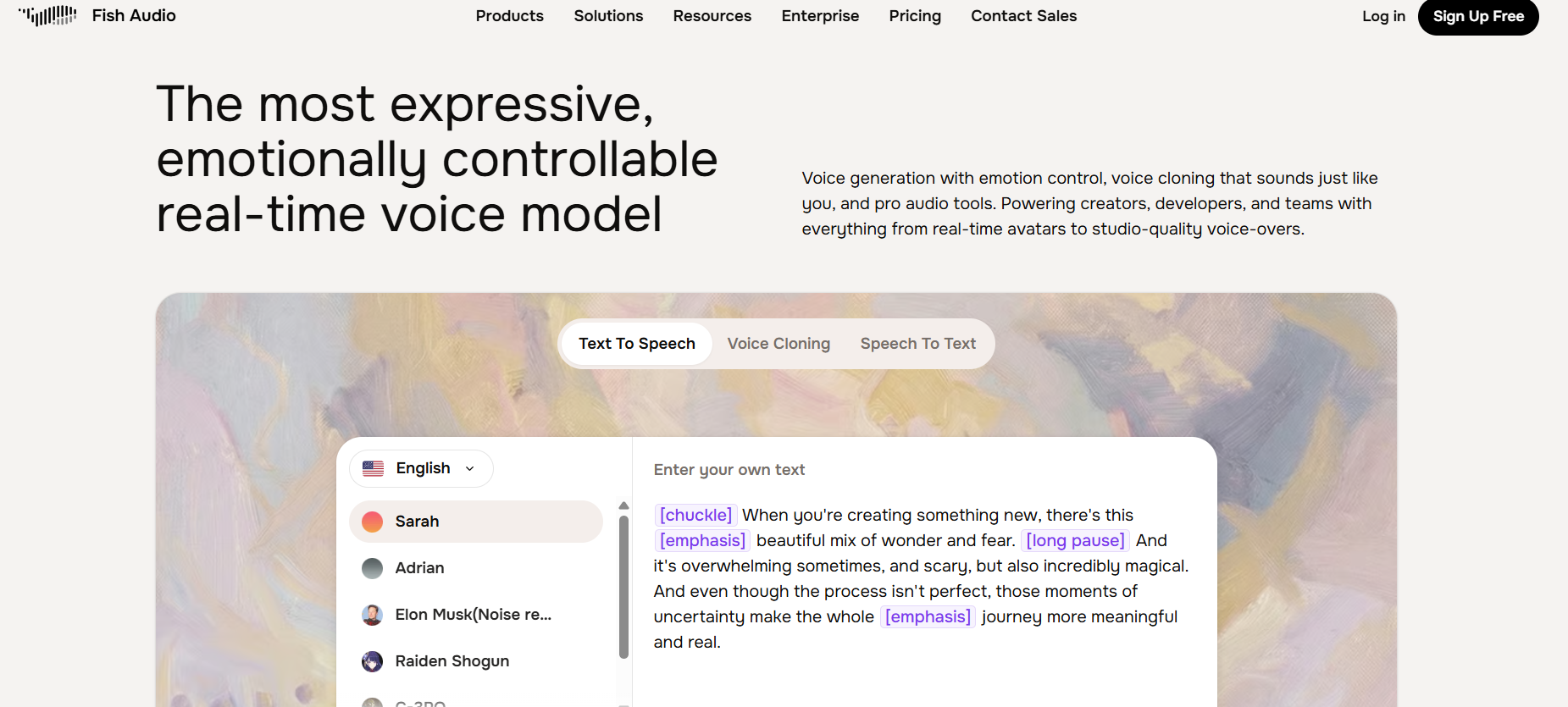
Fish Audio is an AI voice platform built for creators, developers, and teams who need high-quality audio without booking a studio session. It covers text-to-speech, voice cloning, and speech-to-text — and unlike a lot of voice tools, it lets you control the emotional tone of the output directly in the text.
Emotion tags built into the text. Most TTS tools produce flat, robotic-sounding audio regardless of what the script says. Fish Audio uses inline emotion markers — things like [chuckle], [emphasis], and [long pause] — so the output actually reflects the tone of what is being said. That makes a real difference when you are narrating, teaching, or trying to match a specific mood.
Voice cloning that sounds like you. Upload a short sample of your voice and Fish Audio creates a clone you can feed text into. For creators who publish a lot of content — tutorials, newsletters with audio versions, social clips, course modules — this removes the need to record every single piece. Your voice, your style, without the recording session.
Community voice library. Beyond cloning your own voice, Fish Audio has a library of public voices from the community you can use directly. If you need a specific accent, tone, or character voice for a project, chances are there is something close in the library that fits without any setup.
API access for developers. Fish Audio offers a clean API for teams building voice into their products — real-time avatars, automated video narration, app integrations. The platform handles the infrastructure so you can focus on the application layer.
Who Is It For?
Fish Audio is a practical choice for creators who produce a high volume of content and want consistent voiceovers without the time cost of recording everything from scratch. It is also well suited to course creators, podcast editors working with AI-assisted clips, and developers who need reliable TTS in their tools.
If your content relies entirely on your personal on-camera presence or live delivery, voice cloning probably adds less value. But if you write scripts, narrate tutorials, or produce audio-first content at any scale, Fish Audio gives you a production tool that fits into that workflow.
Best Niches to Use With
Pros and Cons
- ✅ Inline emotion control tags make output sound natural, not flat
- ✅ Voice cloning from a short audio sample
- ✅ Community library of voices available to use immediately
- ✅ Text-to-speech, speech-to-text, and voice cloning in one platform
- ✅ API access for product integrations
- ✅ Free plan to start before committing
- ❌ Voice cloning quality depends on the quality of your input sample
- ❌ Some advanced features gated behind paid credits
Summary
Fish Audio fills a gap that most text-to-speech tools leave open: emotional control. The ability to add tone markers directly in your script — rather than hoping the AI figures out the mood from context — produces noticeably better output. For creators who want to scale their audio content without sacrificing how it sounds, the combination of TTS, voice cloning, and a community voice library makes Fish Audio worth testing on your next project.
Visit Fish Audio →