
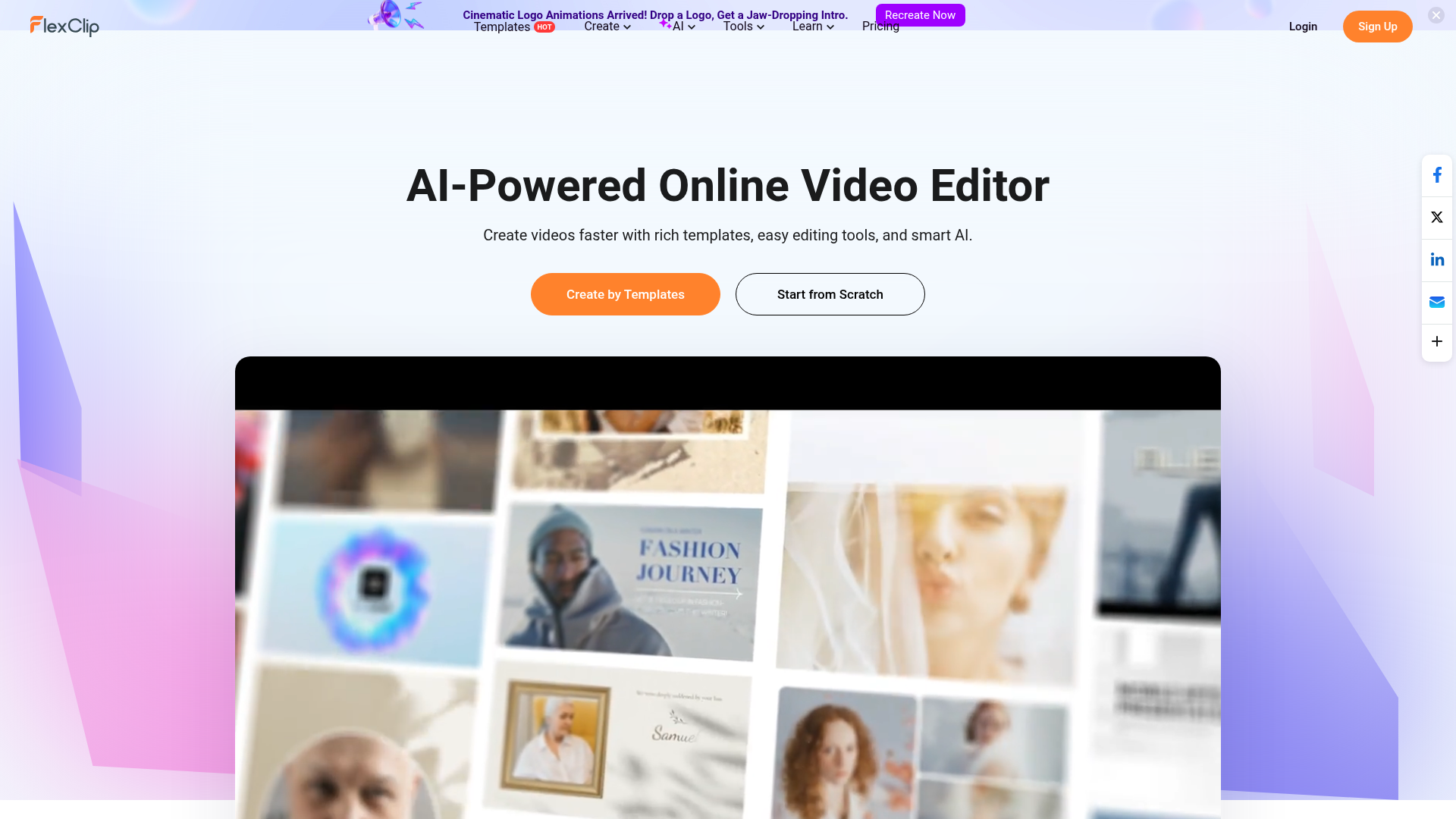
Not every creator has the time or skill to produce video from scratch, and not every video project needs a full editing suite. FlexClip sits at the sweet spot between simplicity and capability — a browser-based editor with enough templates and AI features to produce genuinely professional-looking marketing videos, intros, promos, and slideshow content in a fraction of the time it would take in a traditional editor. The AI Recreate feature is particularly powerful: drop in your logo and let AI adapt any of the 6,000+ templates to match your brand automatically.
6,000+ video templates. professionally designed templates for business, marketing, intros, slideshows, education, and more
AI Recreate. drop your logo into any template and AI adapts colours, text, and branding automatically
AI logo animation. generate jaw-dropping cinematic logo reveal animations from your logo file
Rich media library. access built-in stock footage, images, and music to complete any video without leaving the editor
Multi-ratio export. create videos in landscape, portrait, and square formats for every platform from a single project
No download required. browser-based editing works on any device without installing software
Who Is It For?
Content creators, small business owners, and marketers who need to produce polished video content for social media, YouTube intros, ads, and presentations without professional video editing skills. FlexClip's template approach makes video production accessible to creators who are not comfortable with complex editing software.
For professional-quality video production with precise control over every element, FlexClip's limitations will quickly become frustrating. Experienced video editors working with feature-length content or complex multi-track projects need dedicated editing software.
Pros and Cons
- ✅ User-friendly drag-and-drop video editor
- ✅ Large library of templates for common creator use cases
- ✅ Stock media included
- ✅ No download required — runs in browser
- ❌ FlexClip watermark on free plan exports
- ❌ Less precision and control than professional editing software
- ❌ Advanced editing workflows are not supported
Pricing
FlexClip has a free plan with watermarked exports. Paid plans start from around $9.99/month for watermark-free videos and more features.
Summary
FlexClip is a solid entry-level video editing tool that covers the most common creator needs quickly. The template library accelerates production, and the browser-based approach means no software to install or update. For creators who want to go beyond templates, invest time in learning a more capable editor as your skills develop.