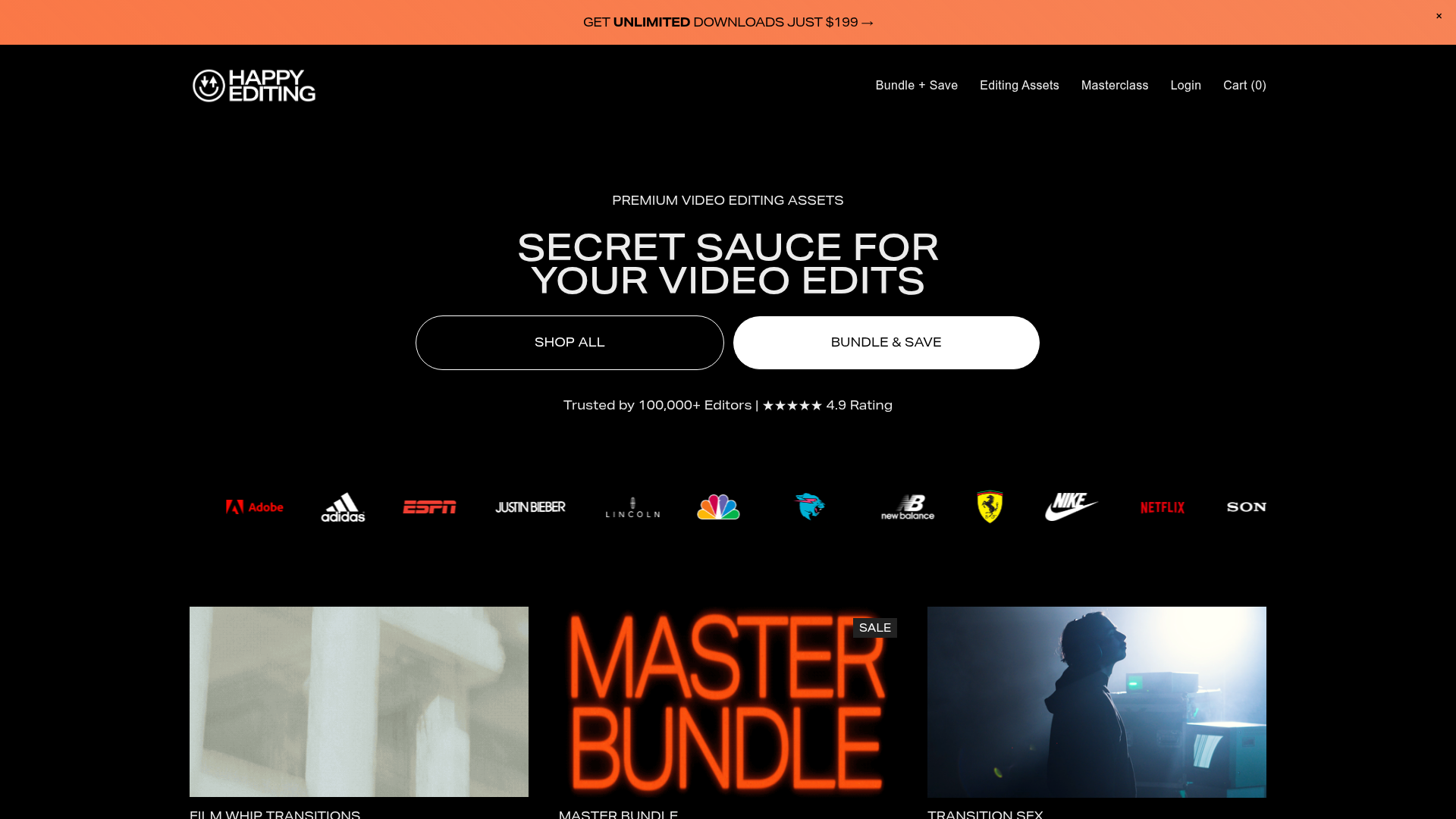
Most creators reach a point where their editing software isn't the bottleneck — it's the raw ingredients. A good LUT can transform flat, washed-out footage into something with depth and warmth. A well-designed transition makes a cut feel intentional rather than abrupt. Quality motion effects add production value without the need for motion graphics expertise. Happy Editing brings all of these together in one place, built for creators rather than broadcast professionals.
What's in the library. The core of Happy Editing is its LUT collection — professionally graded colour transforms that work with all major editing software including Adobe Premiere Pro, DaVinci Resolve, and Final Cut Pro X. Alongside LUTs you'll find transition packs (smooth cuts, glitches, motion blur transitions), effects overlays, film grain, light leaks, and editing presets. The range covers cinematic, lifestyle, travel, and social media aesthetics.
Why LUTs matter more than people realise. A lot of creators underestimate colour grading because their footage "looks fine" out of camera. But apply a quality LUT to the same footage and the difference is immediately obvious — depth, mood, consistency across shots. Happy Editing's LUTs are designed to look polished without being heavy-handed, which matters for channels that want a consistent visual identity rather than a heavily processed look.
Who's it really for. YouTubers who upload regularly and want a consistent visual style without spending an hour colour grading every video. Travel vloggers who shoot a lot of footage across different lighting conditions and want colour consistency. Social media creators who want their videos to look noticeably more professional than the average upload. Course creators who want their screen recordings and talking-head footage to look clean and intentional.
Who Is It For?
Content creators who want professional-looking video without investing months in colour grading skills. YouTubers looking for a consistent visual identity across their channel. Travel and lifestyle vloggers who want cinematic-looking footage. Social media managers producing polished video content at volume. Beginner-to-intermediate editors who want to level up their production quality fast.
Best Niches to Use With
Pros and Cons
- ✅ Professional-grade LUTs, transitions, effects, and presets in one place
- ✅ Compatible with Premiere Pro, DaVinci Resolve, and Final Cut Pro X
- ✅ Covers multiple aesthetics — cinematic, travel, social, lifestyle
- ✅ One-time purchase options — no ongoing subscription required
- ✅ Designed specifically for content creators rather than broadcast professionals
- ✅ Immediately elevates production quality with minimal effort
- ❌ Paid — not a free resource
- ❌ Quality varies across different asset packs
- ❌ Requires some basic editing experience to get the most out of LUTs
Summary
Happy Editing is a solid choice for creators who want professional video assets without the cost of hiring a colourist or spending months developing their own LUT library. The collection covers LUTs, transitions, effects, and presets across a range of visual styles — all compatible with the main editing platforms. If your videos already have good composition and camera work but feel slightly flat compared to bigger channels, quality colour grading assets are often exactly what's missing. Note: this is an affiliate link — we may earn a commission on purchases made through this page.
Explore Happy Editing →