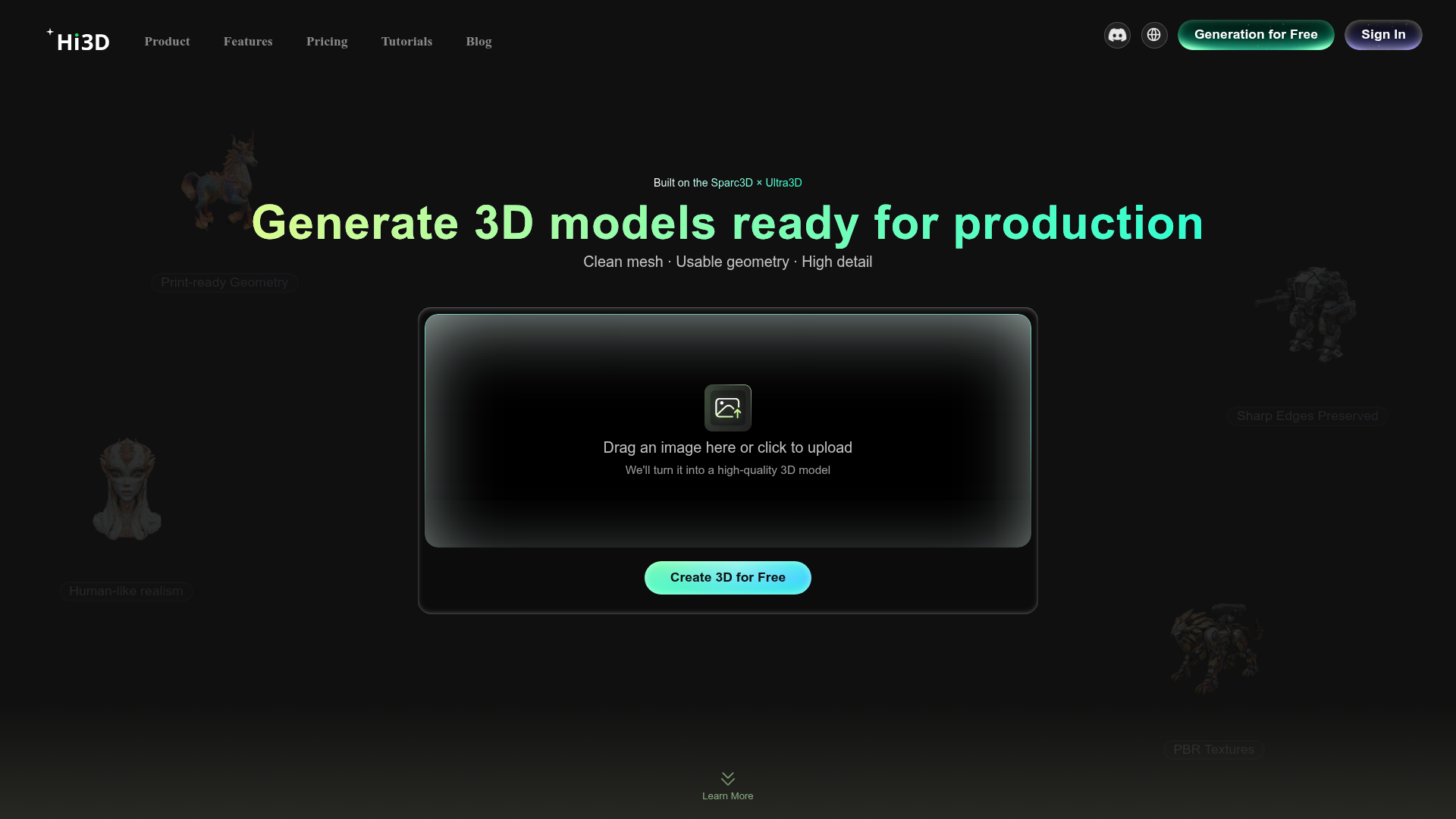
3D content is increasingly common in creator work — product mockups, explainer animations, thumbnail elements with depth, AR filters, game assets. But most creators don't have the time or skill to build 3D models from scratch. Hi3D bridges that gap by taking a flat image as input and generating a usable 3D model from it using AI. The quality depends on the input image, but the time saving compared to manual modelling is significant for anyone who occasionally needs 3D assets.
How it works in practice. You upload your image — ideally with a clean background and a single subject — and the AI analyses the shape, lighting, and structure to construct a 3D version. The result is a downloadable 3D model that can be dropped into Blender, used in a product mockup tool, placed into AR environments, or rendered from any angle. Clean product photos with white backgrounds tend to produce the best results.
Where creators are using it. Product sellers who want 3D mockup images of their physical goods without a photo studio. Character creators who sketch concepts and want to see them in 3D. Thumbnail designers who want to add three-dimensional elements without building them manually. Game developers prototyping assets quickly. The use cases are wider than you'd expect once you start thinking in terms of "I have a flat image, I want a 3D object."
Limitations worth knowing. AI-generated 3D models from single images don't always match what professional 3D modellers produce by hand. Curved surfaces, fine details, and complex geometry may not come out perfectly. But for mockups, previews, and content rather than production-quality assets, the output is often more than good enough — especially when the alternative is hours in Blender.
Who Is It For?
Digital product sellers who want 3D mockups of their goods. Thumbnail and graphic designers who want to add 3D elements to their compositions. Indie game developers who need quick prototype assets. AR content creators building filters and interactive effects. Anyone who needs a 3D model quickly and doesn't want to build it from scratch.
Best Niches to Use With
Pros and Cons
- ✅ Converts 2D images to 3D models without any 3D software knowledge
- ✅ Free to try — no account required for basic usage
- ✅ Dramatically faster than manual 3D modelling
- ✅ Works well with product photos on clean backgrounds
- ✅ Downloadable output compatible with major 3D tools
- ❌ Output quality varies with image complexity — simple objects work best
- ❌ Fine geometric details may not translate perfectly
- ❌ Not a replacement for professional 3D modelling on production-quality work
Summary
Hi3D takes the hardest part of 3D content creation — building the model — and replaces it with an AI that converts your 2D image into a usable 3D asset. It's not production-quality for every use case, but it handles product mockups, quick prototypes, and creative content assets well enough that creators who previously had no 3D workflow now have one. Free to try, no design experience required.
Try Hi3D Free →