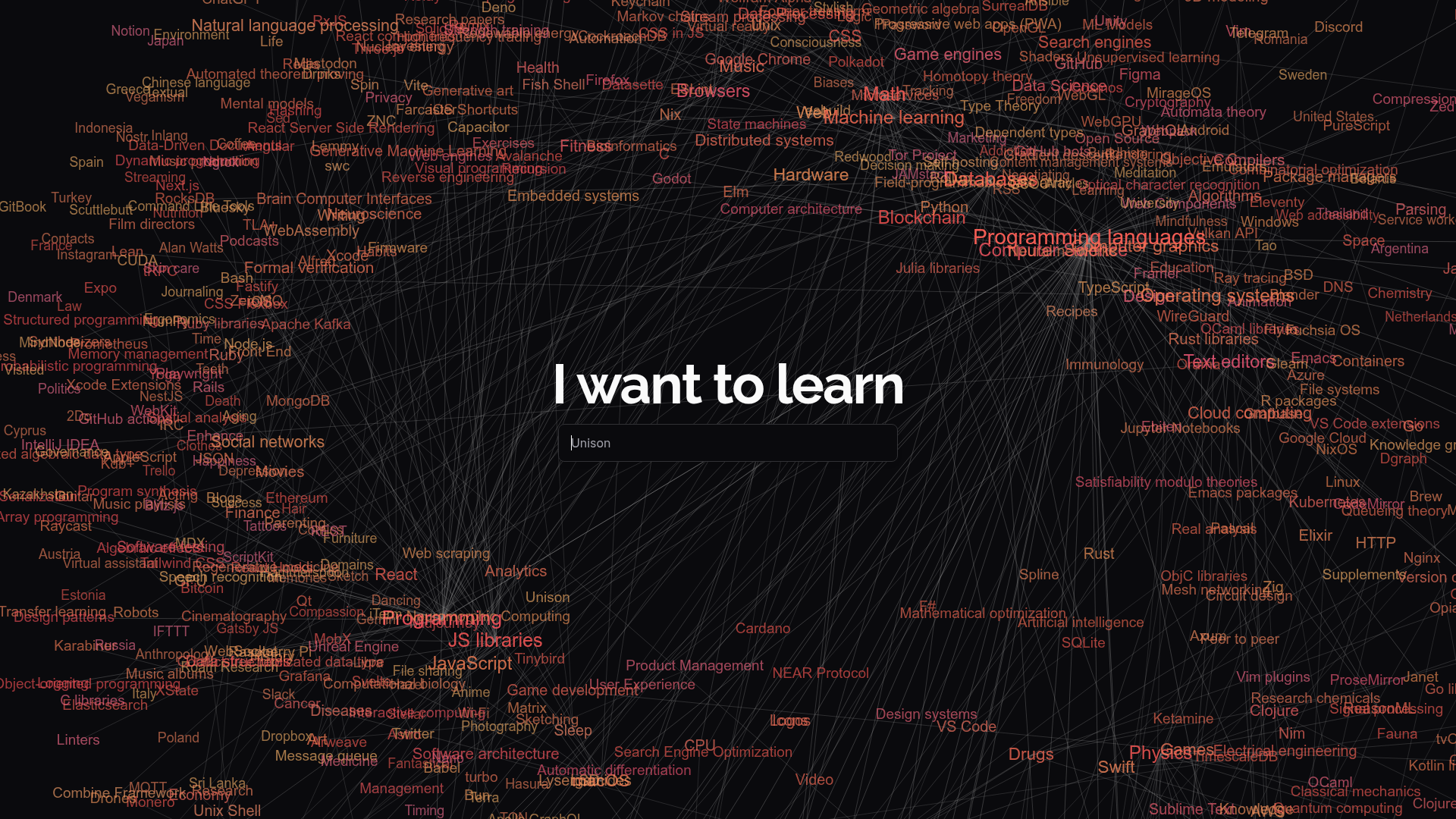
When you want to learn something new, the hardest part is often not finding resources — it is understanding what the landscape of that topic even looks like. What are the prerequisite subjects? What tools do practitioners actually use? What are the key books and courses in this field? Learn Anything maps all of this out visually, showing you the connections between a topic and everything related to it rather than just returning a flat list of links.
A visual map of how knowledge connects. The Learn Anything interface displays a dark, networked graph where each node represents a topic — ranging from broad fields like "machine learning" or "blockchain" to specific tools like "Rust", "VS Code", or "JavaScript". Connections between nodes show you which topics lead to which others, helping you understand the natural learning progression rather than jumping in at the wrong level.
Useful for planning content around new niches. For creators who want to expand into a new topic area, Learn Anything is a fast way to audit what that field actually contains. If you want to start covering AI, it maps out the sub-topics, tools, programming languages, and frameworks within AI so you can identify which specific areas to cover first, which require prerequisites, and what the audience in that niche is likely already familiar with.
Open-source and community-contributed. Learn Anything is built openly — the knowledge graph is community-contributed, which means coverage is strongest in tech, programming, science, and mathematics, with reasonable coverage across many other subjects. Being open-source also means the project is continuously improved and the data is transparent rather than locked behind a proprietary algorithm.
Useful as a content planning tool. Looking at Learn Anything for a topic you create content around is also a practical way to spot gaps in your own coverage. If a topic appears prominently in the graph but you have not covered it yet, that is useful signal for what your audience might want to see next.
Who Is It For?
Learn Anything is most useful for creators who are expanding into new topic areas, researchers mapping out a new field of study, and creators who want a structured way to understand how different concepts within their niche connect. It is also genuinely useful as a personal learning planning tool — see the full picture of a subject before deciding where to start.
Best Niches to Use With
Pros and Cons
- ✅ Visual knowledge graph shows how topics connect, not just a flat list
- ✅ Open-source — transparent, community-contributed, and continuously improved
- ✅ Covers thousands of topics from programming to science, art, and beyond
- ✅ Entirely free to use with no account required
- ✅ Useful for planning content and identifying gaps in niche coverage
- ✅ Shows tools, books, and sub-topics alongside each subject
- ❌ Coverage is strongest in technical topics — some softer subjects are less detailed
- ❌ No structured course or step-by-step learning path — it is an explorer, not a course
Summary
Learn Anything is a different kind of research tool — one that helps you understand the shape of a topic rather than just finding resources within it. For creators planning to cover a new niche, expanding their expertise, or trying to identify content opportunities within a subject they already know, the visual knowledge graph approach is genuinely useful. Free, open-source, and worth bookmarking alongside your other research tools.
Explore Learn Anything →