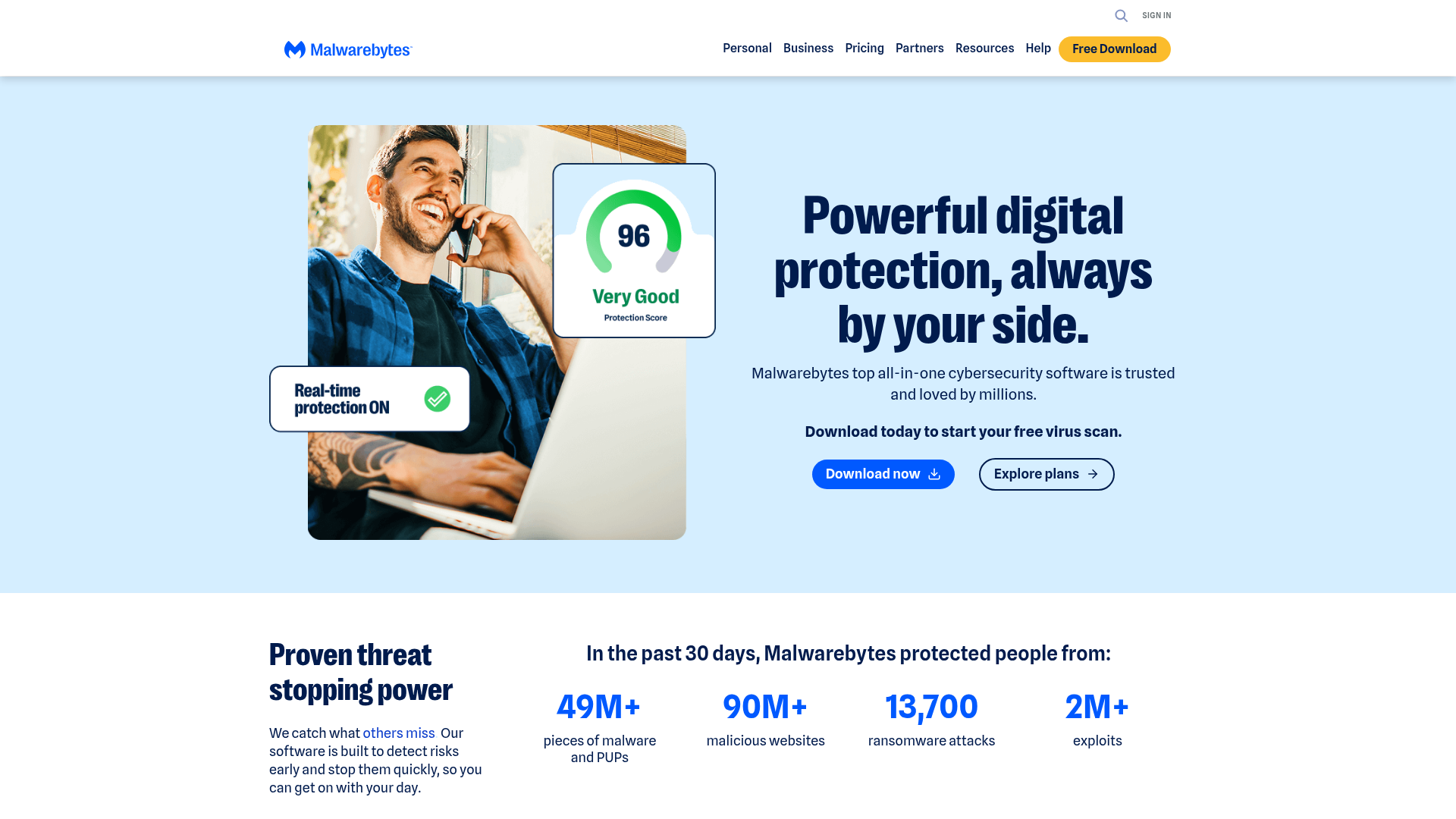
Malwarebytes built its reputation on one thing: finding and removing threats that other security tools don't catch. That's not marketing — it's why the security community started recommending it as a second-opinion scanner alongside whatever antivirus you already had. Today it's a full protection platform, but that core strength is still there: it finds things other tools miss.
What Malwarebytes actually catches. Traditional antivirus focuses on viruses. Malwarebytes goes broader — malware (obviously), ransomware that encrypts your files and demands payment, spyware that quietly monitors what you're doing, adware that injects garbage into your browser, and PUPs (potentially unwanted programs) that come bundled with software you intentionally installed. For creators downloading tools, plugins, and apps from various sources, that last one matters more than you'd think.
The free version is genuinely useful. The free tier gives you an on-demand scanner — you run it manually and it finds and removes threats. No background protection, but it's enough to do a clean sweep of a device you're worried about, or to run periodically as a check. For creators who want the occasional peace-of-mind scan without a subscription, this is a legitimate option.
Premium — always-on protection. The premium version adds real-time protection — it actively blocks threats as they appear rather than waiting for you to run a scan. Web protection stops malicious URLs before they load. Browser guard extension blocks ads, trackers, and scam sites. If you're using your device for work, always-on protection is the tier worth paying for.
Lightweight on system resources. A common complaint about security software is that it slows everything down. Malwarebytes has historically been one of the lighter-impact tools — it doesn't visibly slow down your machine the way some security suites do. For creators running video editing software, this matters.
Why creators specifically need this. You receive files from sponsors, download tools from GitHub, install browser extensions for workflow, click links in DMs and emails. That's a higher-than-average threat surface compared to someone who just uses their laptop for email. Malwarebytes is a practical response to that exposure level.
Who Is It For?
Anyone who wants reliable malware protection without bloated security software. Creators who download a lot of tools and plugins and want a safety net. Windows and Mac users who want something alongside or instead of their built-in security. Anyone who's ever wondered "is my computer clean?" and wants a straight answer.
Best Niches to Use With
Pros and Cons
What Works Well
- Free on-demand scanner available
- Catches threats other AV tools miss
- Lightweight on system performance
- Works on Windows, Mac, iOS, Android
- Browser Guard extension included
- Strong reputation in security community
Worth Knowing
- Real-time protection requires paid tier
- Free tier is manual-scan only
- Premium pricing adds up at multi-device
- Less comprehensive than F-Secure Total bundle
The Bottom Line
Malwarebytes has earned its reputation over years of being the tool security professionals run when they want a straight answer about whether a system is clean. The free version is a no-brainer to have installed for periodic sweeps. Premium makes sense for creators who work on devices where a compromise would be a real problem — lost access to accounts, leaked contracts, encrypted footage. Start with the free scan and upgrade if you want always-on protection.