
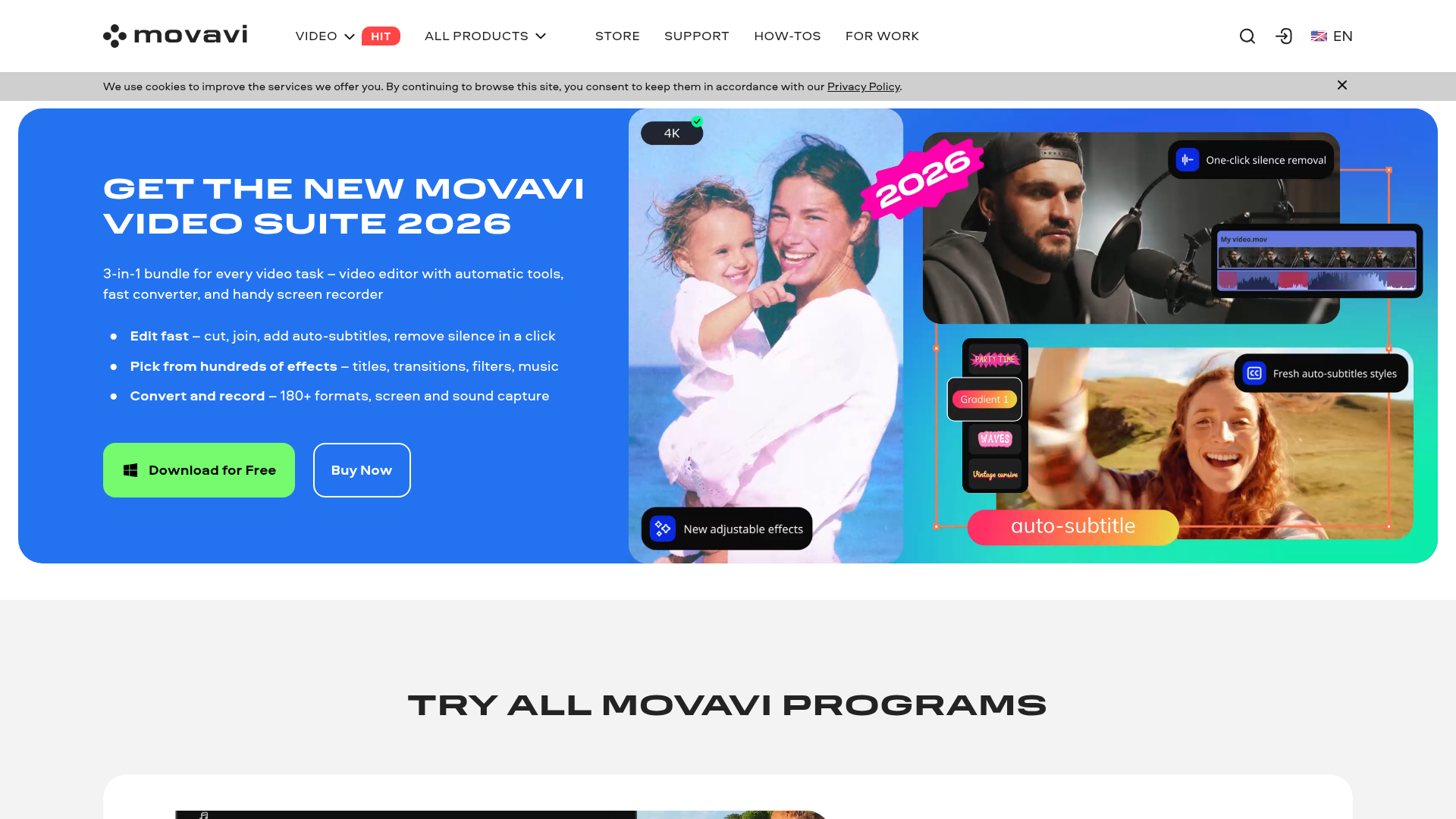
A 3-in-1 AI-powered video suite for content creators — video editor with automatic tools, fast converter and screen recorder. Edit fast, pick from hundreds of effects and convert 180+ formats. Trusted by 70M+ users across 190+ countries.
AI Auto Subtitles. One-click AI turns your speech into accurate captions in almost any language.
AI Noise Removal. Automatically remove car, wind and background noise with AI audio denoising.
Silence Removal. Cut awkward pauses automatically for tighter, more professional videos.
AI Motion Tracking. Attach graphics, emojis or text overlays to moving objects with one click.
Fast Converter. Convert between 180+ video and audio formats with lightning speed.
Who Is It For?
This works well for youtube creators editing vlogs, tutorials and review videos, and tiktok and instagram reels creators who need fast editing tools.
In all honesty, it is probably not the right fit for someone who needs total manual control over every detail of their content workflow. If you work in a very specific niche where generic AI output will not cut it, or you need deep integration with tools not on the supported list, trial carefully before committing to a paid plan.
Best Niches to Use With
Pros and Cons
- ✅ AI Auto Subtitles
- ✅ AI Noise Removal
- ✅ Silence Removal
- ✅ AI Motion Tracking
- ❌ No meaningful free plan — you need a paid subscription to get real value
- ❌ Quality of output varies depending on your niche and input quality
- ❌ Some users report a learning curve when first setting up the workflow
Pricing
Movavi offers perpetual licences from around $49.95. Subscription plans are also available. Check for current pricing.
Summary
Movavi Video Suite is a powerful yet approachable video editing platform that gives content creators everything they need to produce professional videos. With AI-powered automation, a massive effects library and an intuitive interface, it's trusted by 70M+ users worldwide for good reason.
Visit Website →