
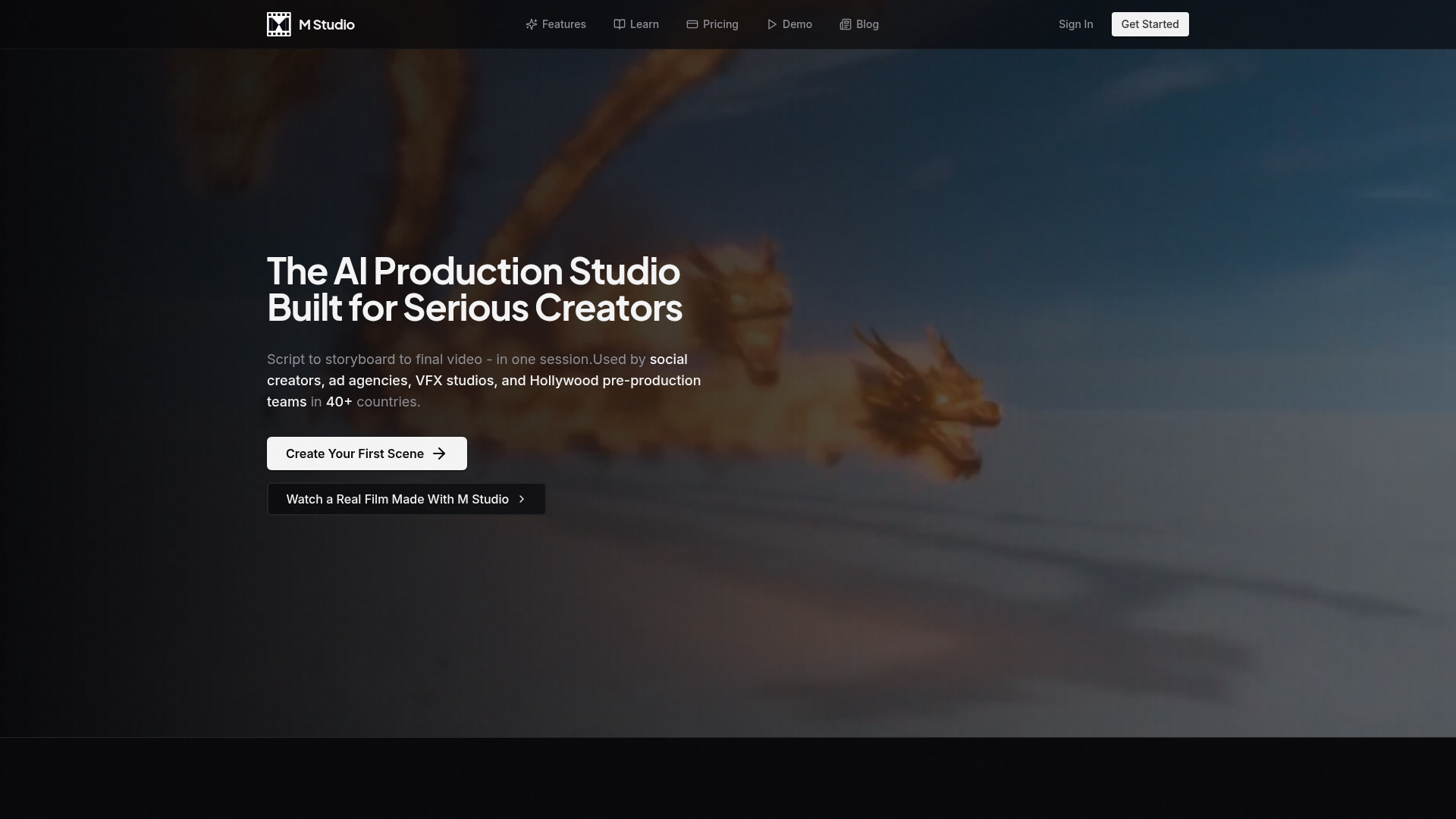
M Studio tackles one of the most expensive and time-consuming parts of content production: pre-production. Traditional storyboarding, concept art, blocking references, and pre-visualisation can take weeks and cost tens of thousands of dollars. M Studio compresses that entire pipeline into a single AI-powered session — you describe your vision, AI generates the storyboard, visual references, and video clips, and you arrive at the production stage with a complete visual blueprint instead of a blank page.
Script-to-storyboard pipeline. write a script and AI generates a complete visual storyboard automatically
4K AI image generation. powered by Google Gemini for cinematic-quality reference frames at any angle
AI video generation. 30-second clips from Google Veo and Kling AI, ready for production use
Voice and narration. ElevenLabs voices in 29 languages with emotional range and custom voice cloning
AI sound design. generated music and sound effects with full timeline control
Visual storyboarding. drag-and-drop canvas with frame reordering and timeline synchronisation
Who Is It For?
Mobile video creators — particularly TikTok and Instagram Reels creators — who edit videos directly on their phone and need professional-grade editing tools without moving to a desktop. mStudio covers the full mobile video editing workflow including trimming, colour, text, audio, and export.
For desktop video production, more powerful alternatives are available. mStudio is specifically optimised for mobile editing workflows. Creators who prefer editing on a computer will get more precision and control from desktop software.
Pros and Cons
- ✅ Comprehensive mobile video editing without desktop transfer
- ✅ Good for quick social media content production
- ✅ Interface designed for touch screens and mobile workflow
- ✅ Multiple export formats and resolutions
- ❌ Limited compared to desktop editing software for complex projects
- ❌ Processing speed limited by mobile hardware
- ❌ App requires iOS or Android — no desktop version
Pricing
mStudio has a free plan. Premium features are available via in-app purchase or subscription.
Summary
mStudio is a strong choice for mobile-first creators who do not want to transfer footage to a computer for editing. The feature set goes well beyond basic trim-and-export, covering colour grading, text overlays, and audio editing in a mobile-native interface. If your entire creation workflow happens on your phone, this is worth installing.