
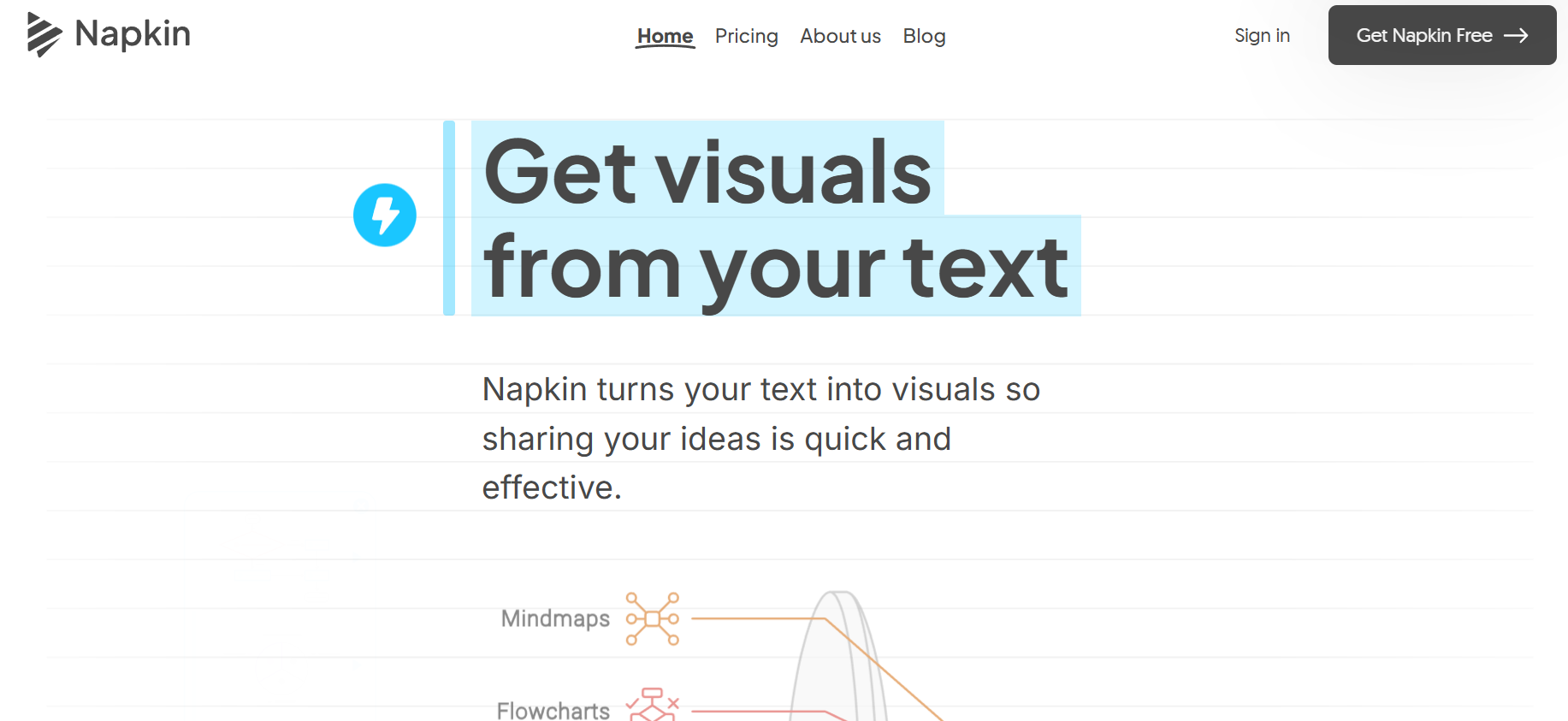
Visual content drives dramatically higher engagement on LinkedIn, Twitter/X, Instagram, and in newsletters. But creating professional infographics traditionally requires design skills and tools like Canva or Adobe Illustrator. Napkin.ai collapses this process — write your text, and the AI automatically generates multiple visual options to illustrate your ideas.
Text to Infographic. Paste any text and Napkin.ai automatically identifies the best visual representation — flowchart, comparison, timeline, list, or process diagram.
Multiple Visual Options. Generates several visual alternatives for the same content — choose the style that best fits your needs.
Professional Quality. Outputs are polished, professional-grade visuals — not rough wireframes — ready to use in presentations, articles, or social media posts.
Customizable Themes. Apply different color themes and style variations to match your brand or content aesthetic.
Export as PNG or SVG. Download visuals in multiple formats — PNG for quick sharing, SVG for further editing.
Integrated Notes App. Napkin functions as a visual note-taking app — write notes and have the AI automatically surface visual representations of key ideas.
LinkedIn & Social Ready. Created specifically with social media sharing in mind — outputs are optimized for sharing on professional and social platforms.
Who Is It For?
Content creators, consultants, and educators who want to turn text-based ideas, articles, or notes into visual diagrams, infographics, and concept maps automatically. Particularly useful for creators who explain complex ideas and want to illustrate them visually without graphic design skills.
For creators who need precise, custom infographic layouts or heavily branded visual content, the AI-generated output will require significant customisation. Also less useful for creators whose content does not involve explaining structured information.
Best Niches:
Pros and Cons
- ✅ Converts text into visual diagrams automatically
- ✅ Good for concept maps, flowcharts, and simple infographics
- ✅ No design skills required
- ✅ Fast visual generation from existing content
- ❌ AI diagram choices may not match your intent accurately
- ❌ Customisation of output is limited compared to full design tools
- ❌ Works best for structured, concept-driven content
Pricing
Napkin AI has a free plan. Paid plans with more features are available — check the website for current pricing.
Summary
Napkin AI is genuinely useful for creators who regularly explain complex information and want visual aids without manually creating diagrams. For educational YouTube videos, slide decks, and article illustrations, the ability to generate a visual from text dramatically reduces the design overhead. Review and refine the output — AI rarely gets it perfect first time.