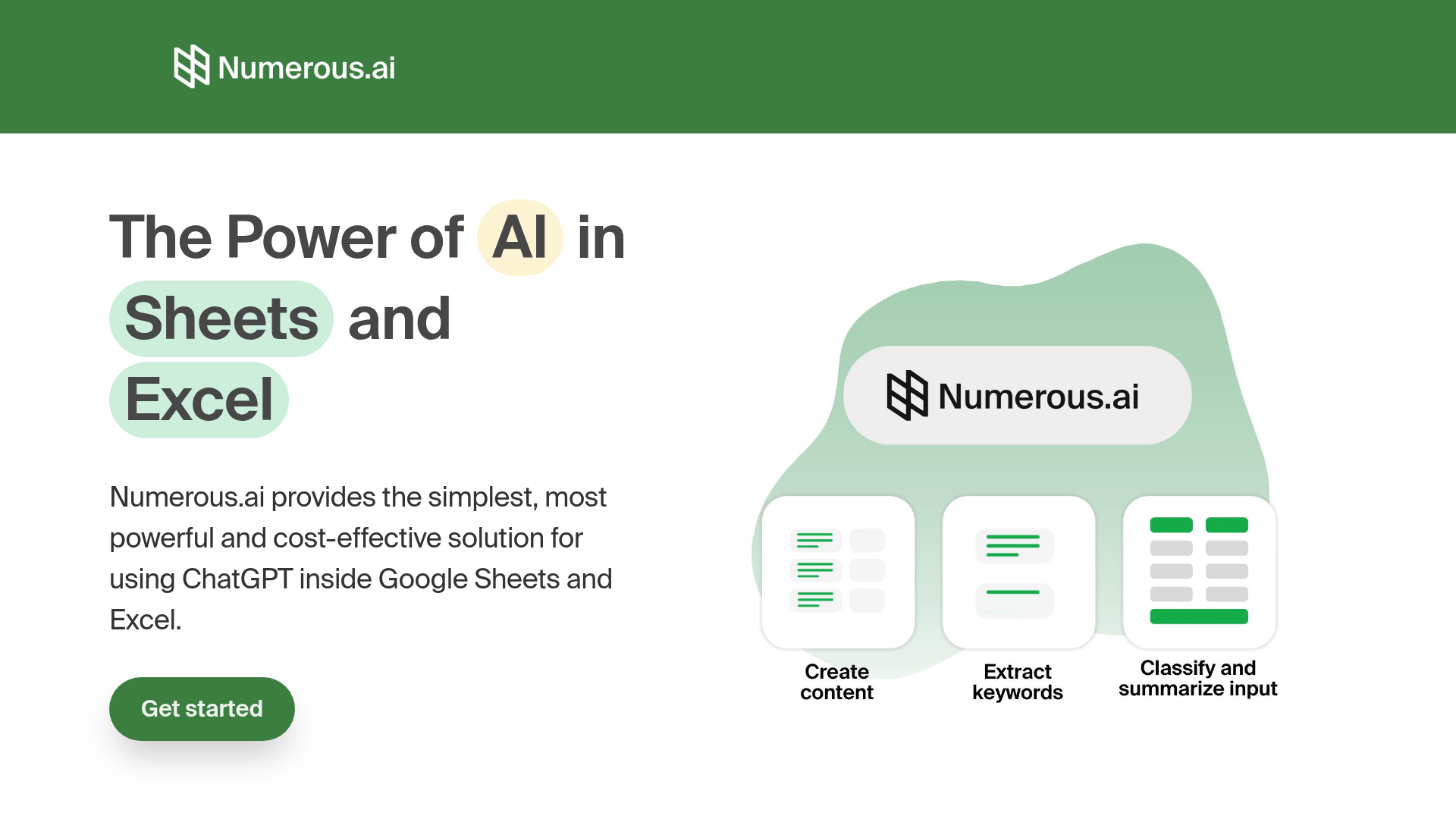
Spreadsheets are already where a lot of creator and business data lives — keyword lists, product catalogues, audience research, campaign tracking. Numerous.ai's approach is to bring AI analysis to that data rather than making you export it somewhere else. Install the extension, type =AI("categorise this product") in a cell, and drag it down a thousand rows. The AI processes each one and fills in the column.
What the =AI() function actually does. The formula takes a plain-English instruction and the cell reference you want it to work on, then returns an AI-generated result in that column. You can write =AI("is this review positive or negative?", A2) and apply it to 500 rows in seconds. Other use cases include writing meta descriptions for URLs, generating social copy from product names, extracting phone numbers from unstructured text, and translating content.
The no-code angle. The reason this matters for creators is that the AI stays inside a familiar tool. You don't need to build a pipeline, learn an API, or use Python to process a dataset. If you already know how to use VLOOKUP, you can use Numerous.ai. That low barrier means it's practically useful for researchers, content planners, and marketers who work with lists regularly.
What the free plan covers. There's a free tier that gives you a set number of AI function calls per month — enough to test whether the workflow actually fits your use case before committing to a paid plan. The paid tiers expand the call limit for higher-volume work like processing large content or product catalogues.
Creator-specific uses. Keyword research — classify a list of 500 keywords by intent. Content planning — draft a one-line pitch for each topic in a list. Outreach — personalise the opening line of an email template based on a company description column. Thumbnail testing — score a list of title variations by likely click appeal. All of these work without any setup beyond installing the extension.
Who Is It For?
Content creators and marketers who work with data in spreadsheets and want to apply AI analysis without building automation. SEO researchers classifying or expanding keyword lists. Anyone who regularly processes large lists of text and has been doing it manually.
Best Niches to Use With
Pros and Cons
What Works Well
- Works inside Google Sheets and Excel — no new tool to learn
- Process hundreds of rows with one formula
- No coding or API setup required
- Free plan available to test it
- Huge time saving on bulk text tasks
Worth Knowing
- Free tier has a monthly call limit
- AI accuracy varies by task complexity
- Needs internet connection to run
- Paid plan needed for large-volume work
The Bottom Line
Numerous.ai is one of the most practical AI tools for anyone who works with lists. The premise is simple — AI inside your spreadsheet, no coding — and it delivers on it. If you've ever manually categorised a keyword list or written product descriptions row by row, this is the tool that eliminates that work. Start on the free plan, process a real list you have sitting around, and the value becomes obvious quickly.