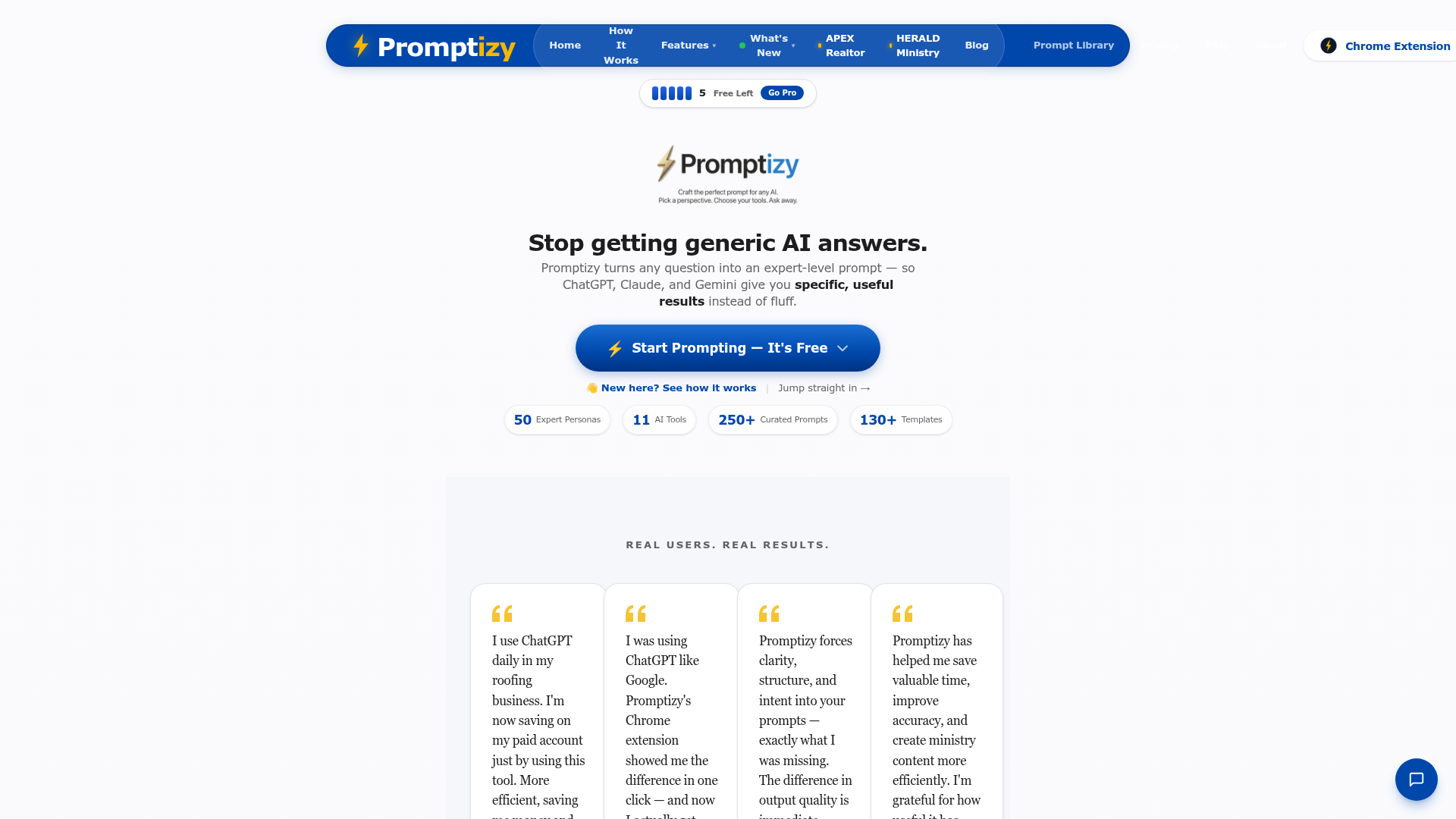
Most people who use AI tools daily have experienced the frustration of a vague output — the model understood the words but not the intent, or produced something technically correct but completely off the mark. The solution is almost always the prompt. Better context, clearer constraints, the right framing — these things make the difference between an output you have to heavily edit and one that's 90% there on the first try. Promptizy automates that improvement process.
What "prompt optimisation" actually means. When you paste a rough idea into Promptizy, it doesn't just add filler words. It analyses what you're trying to achieve and restructures the prompt to include the elements that produce better AI responses — specificity, context, constraints, format instructions, and example framing where appropriate. The resulting prompt is longer and more structured, but the output you get back from the AI is noticeably sharper.
Where it saves real time. For image generation (Midjourney, DALL-E, Stable Diffusion), the difference between a vague prompt and an optimised one is enormous — detailed, specific prompts produce images that actually match your vision. For text generation, well-structured prompts mean fewer rounds of "no, more like this" editing. For code generation, proper prompt framing reduces the chance of getting technically correct but contextually wrong solutions.
Building prompt skills over time. One underrated benefit of using a prompt optimiser is that you start to see the patterns in what makes prompts effective. After reviewing the differences between your rough input and the optimised version several times, you begin to internalise those patterns and your base-level prompting improves. It's a learning tool as much as a productivity tool.
Who Is It For?
Creators who use ChatGPT or Claude regularly for content writing, script research, or brainstorming. Image creators who use Midjourney or similar tools and want images that actually match the concept in their head. Marketers who use AI for copy but spend too long editing mediocre outputs. Anyone new to AI tools who wants to develop solid prompting habits from the start.
Best Niches to Use With
Pros and Cons
- ✅ Automatically improves prompts for better AI outputs
- ✅ Works across multiple AI tools — text, image, and code generation
- ✅ Free to try — no account required for basic usage
- ✅ Helps build prompting skills over time through pattern recognition
- ✅ Reduces back-and-forth editing on AI-generated content
- ❌ Optimised prompts are sometimes longer — adds an extra step to the workflow
- ❌ Won't fix fundamental mismatches between AI model capability and task complexity
- ❌ Free tier may have usage limits on higher-volume use
Summary
Promptizy addresses one of the most common pain points in AI tool usage: getting the output you actually wanted on the first try. By optimising your rough prompt input into a structured, context-rich prompt, it produces better results from ChatGPT, Claude, Midjourney, and other AI tools without requiring you to become a prompt engineering expert. Free to try, no account needed — worth a test if you use AI tools daily.
Try Promptizy Free →