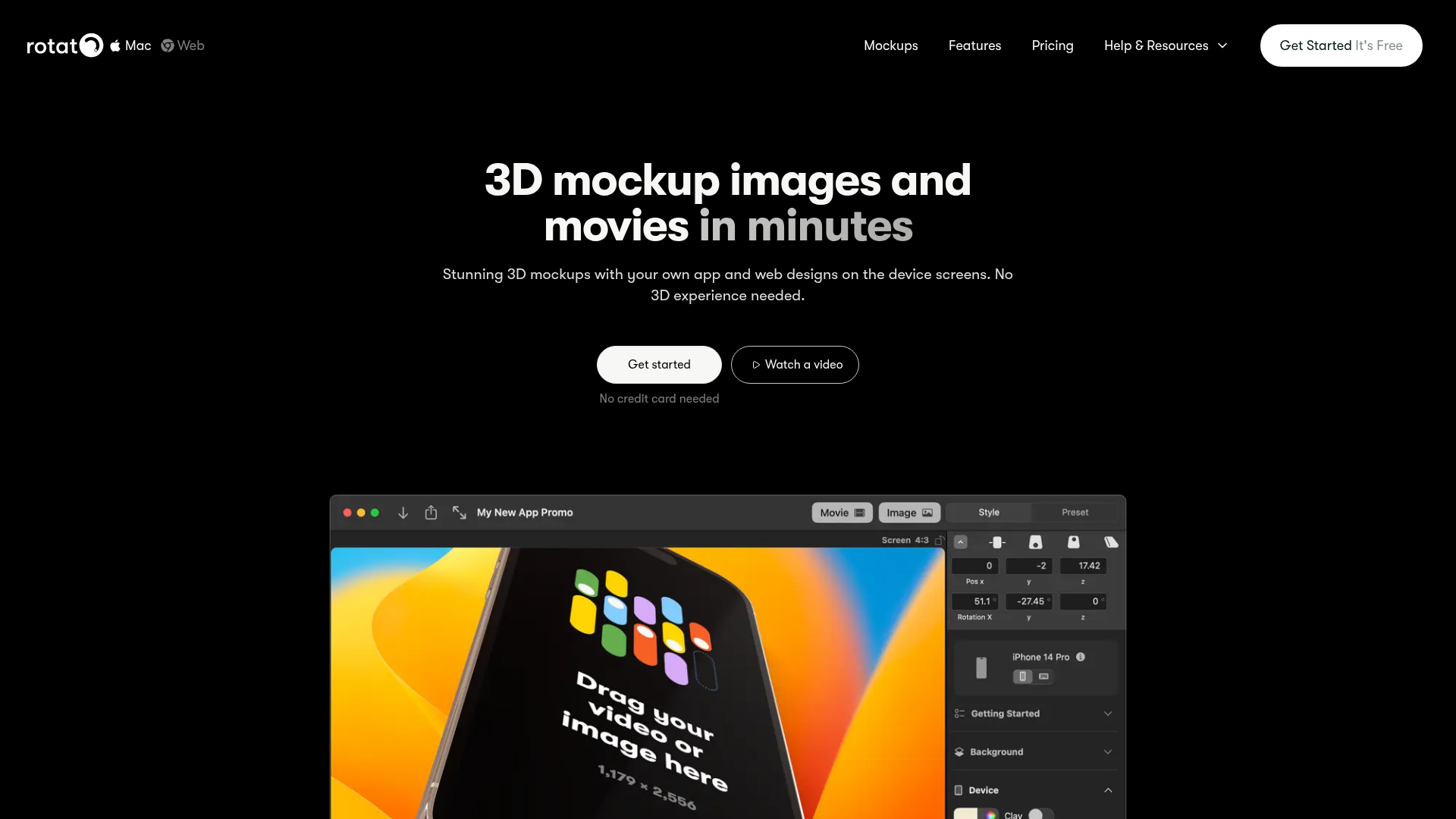
The problem with device mockups is that the good ones are hard to find and the bad ones look terrible. Generic Photoshop mockups are everywhere, which means everyone's thumbnails look the same. Hiring a 3D freelancer costs $300+ an hour for anything custom. And learning 3D software yourself takes months. Rotato sits in the gap between "cheap and generic" and "expensive and custom" — 30+ battle-tested device models, fully customisable, that you can have looking great in minutes.
What you actually get. You drag your screenshot or design file into Rotato, and it instantly places it onto a 3D device screen. From there you adjust the angle, rotation, background, lighting, shadow style, and clay mode (which strips the device to a clean clay render — very popular for app store listings and portfolio screenshots). If you want motion, you can set a start and end position and export a short 3D animation video. The whole thing typically takes under 5 minutes once you're familiar with the interface.
Where creators use it. YouTube thumbnails that feature software or app interfaces. App Store and Google Play screenshots. Course platform preview images. Portfolio shots for design or development work. Product promo videos showing a website or app on a device. Social media posts showing software in context. Anywhere you need a polished "device showing your design" visual and don't want it to look like a flat, lifeless screenshot.
The 8K export and formats. Rotato exports at up to 8K resolution for static images — which is way more than you'll ever need for web, but it means you can crop, zoom, and resize without quality loss. Video exports work well for short promo clips and can go directly into YouTube thumbnails, TikTok intros, or product demo videos.
iPhone Mirror. A genuinely clever feature — you can connect your iPhone via USB and Rotato will display live mirrored content on the 3D device model in real time. Useful for recording app demo content without needing screen recording software.
Who Is It For?
Any creator who regularly showcases software, apps, or websites visually — in thumbnails, in promos, in course preview images, or in portfolio work. Tech YouTubers, app developers who make their own content, SaaS marketers, UI/UX designers, and course creators who teach software-related topics. Also useful for faceless creators who need polished visual assets to make their content look premium without a big production setup.
Best Niches to Use With
Pros and Cons
What Works Well
- 30+ pro 3D device models — phones, tablets, laptops
- Up to 8K static export quality
- Animated 3D video export included
- Clay mode for clean, modern app store shots
- iPhone Mirror for live device content
- Free until you need Pro — no time pressure
Worth Knowing
- Full version is Mac app — web app has fewer features
- Pro plan needed for watermark-free export
- Limited device variety compared to massive stock mockup libraries
- Not suited for physical product mockups
The Bottom Line
Rotato is genuinely one of those tools where once you've used it you wonder how you managed without it. If you're a creator who regularly needs to show software, apps, or web designs on a device — for thumbnails, promos, or portfolio work — the time it saves versus hunting for mockups or fighting 3D software is significant. Free to start, and the quality of the output is noticeably better than generic Photoshop template mockups.