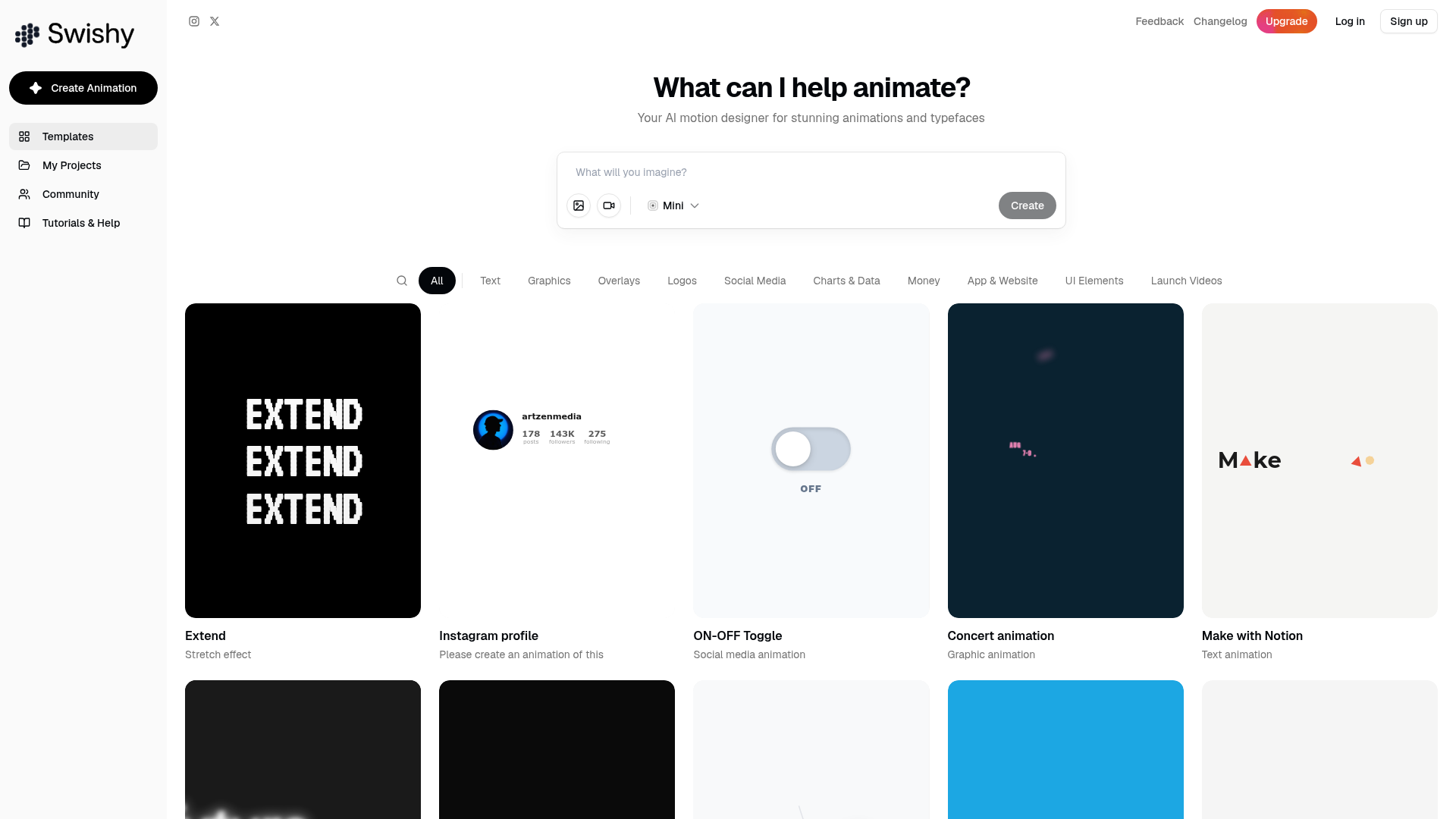
Motion graphics used to be the exclusive territory of designers who knew After Effects inside-out. Swishy changes that. It's an AI motion designer that takes a text prompt and turns it into actual animation — text effects, graphic overlays, logo animations, social media motion content, the lot. The template library is genuinely impressive, spanning categories like Text, Graphics, Overlays, Logos, Social Media, Charts, Money animations, App & Website previews, and more.
AI Animation from Text. Just describe what you want to animate — "bouncing neon text with a glitch effect" or "smooth logo reveal with particles" — and Swishy generates it. You can also build from one of the hundreds of existing templates.
Massive Template Library. Hundreds of pre-built animations across categories: text effects, social media overlays, launch videos, charts, money animations, UI previews, and more. If you need inspiration, just browse.
Community Gallery. Browse what other creators have made for inspiration, and share your own work. It's a growing library of motion design made by real people using the platform.
Great for Social Content. The Social Media category is particularly well-stocked — profile cards, follower counters, announcement graphics, and more. If you need animated content for Instagram, TikTok, or YouTube intros, Swishy has you covered.
Who Is It For?
Swishy is perfect for content creators who want polished motion graphics without spending hours learning Adobe software. YouTubers who need animated intros, Reels creators who want eye-catching text overlays, or social media managers who need animated posts — all of them will find Swishy saves them enormous amounts of time and money.
Best Niches to Use With
Pros and Cons
- ✅ AI generation from text prompts — no design skills needed
- ✅ Huge template library across many content types
- ✅ Community gallery for ongoing inspiration
- ✅ Covers text, graphics, social, logos — very versatile
- ✅ Free plan available to explore before committing
- ❌ AI generation quality varies — sometimes needs a few tries
- ❌ More complex custom animations may still need manual tweaking
Summary
If you've ever wanted professional motion graphics but didn't want to spend weeks learning After Effects, Swishy is genuinely exciting. The combination of AI generation and a massive template library makes it one of the most accessible motion design tools available for creators right now.
Try Swishy →
Frequently Asked Questions
What is Swishy AI?
Swishy AI is a motion design tool that generates professional motion graphics from text prompts or templates. If you've ever wanted lower thirds, transitions, title cards, or social media animations but had no intention of learning After Effects — Swishy is basically built for exactly that situation.
Is Swishy AI free?
Swishy AI offers a free trial with limited generation credits. Paid plans unlock unlimited animations, higher resolution exports, and access to the premium template library. For regular content creators producing weekly videos, the paid tier pays for itself in time saved compared to manual motion design.
Can beginners use Swishy AI?
Yes. Swishy is specifically built for non-designers. You type a description of what you want — for example "bold gold title animation with particle effects" — and the AI generates it. The template library gives you pre-built starting points that you can customise with your own colours, text, and timing.
What formats can Swishy AI export?
Swishy exports as MP4 and as WebM/MOV with an alpha channel (transparent background), so you can drop animations straight on top of your footage as overlays in DaVinci Resolve, Premiere Pro, or CapCut — no greenscreen or extra steps required.
Is Swishy AI good for social media content?
Yes. Swishy is particularly popular for Instagram Reels, TikTok, and YouTube Shorts animations — kinetic text effects, animated logos, and stylised motion that performs well in short-form video. The output quality is noticeably higher than most browser-based animation tools, giving your content a polished, professional look.