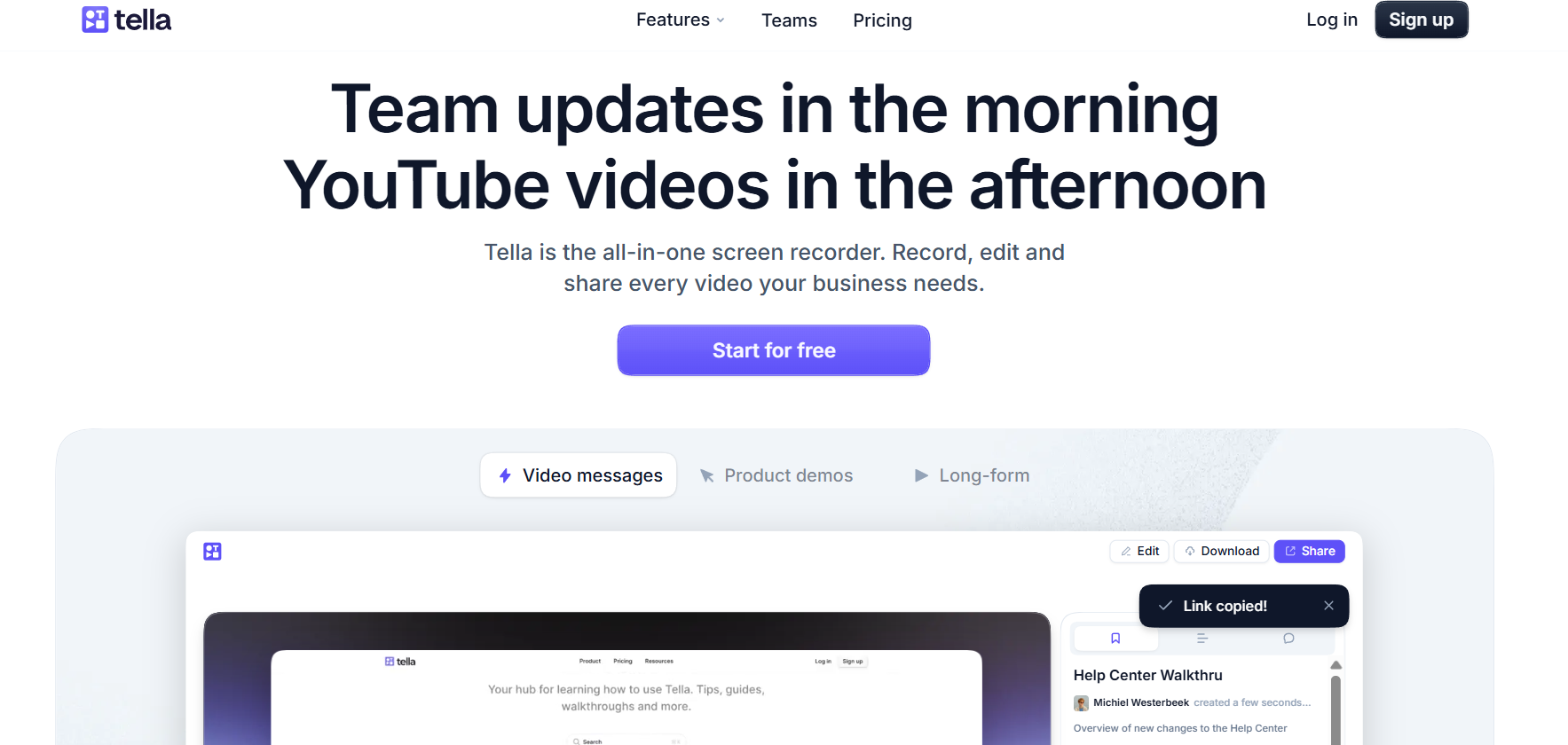
Screen recording is one of those things where most tools give you a file and leave you to figure out the rest. Tella's angle is different — it wraps the recording, light editing, chapter marking, and sharing into one thing that doesn't require you to open a video editor afterwards. The result feels intentional rather than "I just exported a screen capture."
Chapters are the standout feature. Most screen recorders give you one long video and the viewer has to scrub through to find what they need. Tella lets you add named chapters during or after recording — Introduction, Creating an Article, Writing and Formatting — so viewers can jump directly to what they care about. For tutorials and walkthroughs, this changes how useful the video actually is.
Record screen + camera simultaneously. Tella captures your screen and webcam at the same time, with the ability to control how they're presented. You can set up the layout so your camera isn't an afterthought overlaid in the corner — it integrates properly with the screen content. For technical tutorials where you want to convey personality as well as information, this matters.
The async communication use case. A lot of teams are using Tella as a Loom alternative for async updates, product demos, and help center content. The chapter feature makes it particularly well-suited to documentation — viewers can jump to the section they need rather than watching 8 minutes to find a 30-second answer.
What happens after you record. Basic trimming, chapter labels, and sharing via link are all built-in. You're not pushed into a complex editor — the workflow is record, polish lightly, share. If you need something more involved, you can export and take it elsewhere. The philosophy is that most screen recordings don't need a full edit — they need to be watchable and navigable.
Who Is It For?
Creators making tutorial content, software demos, or course material. Teams replacing "let me write a long explanation" with "let me just record a quick walkthrough." Product and SaaS companies creating help center videos. Anyone who records their screen regularly and wants the output to look better without spending hours editing.
Best Niches to Use With
Pros and Cons
What Works Well
- Named chapters for viewer navigation
- Screen + camera in one recording
- Share via link immediately
- Clean output without full editing
- Free plan available to try first
- Great for tutorials and async comms
Worth Knowing
- Not a full video editor — light trimming only
- Complex edits need export to another tool
- Best suited to screen/talking-head content
- Free plan has recording limits
The Bottom Line
Tella gets something right that most screen recorders miss: the recording is only half the job. Viewers need to be able to navigate the content, and creators need the output to look considered, not raw. The chapter feature alone makes Tella worth it for tutorial creators — and the camera integration, quick share flow, and free plan make it easy to recommend to anyone who records their screen regularly.