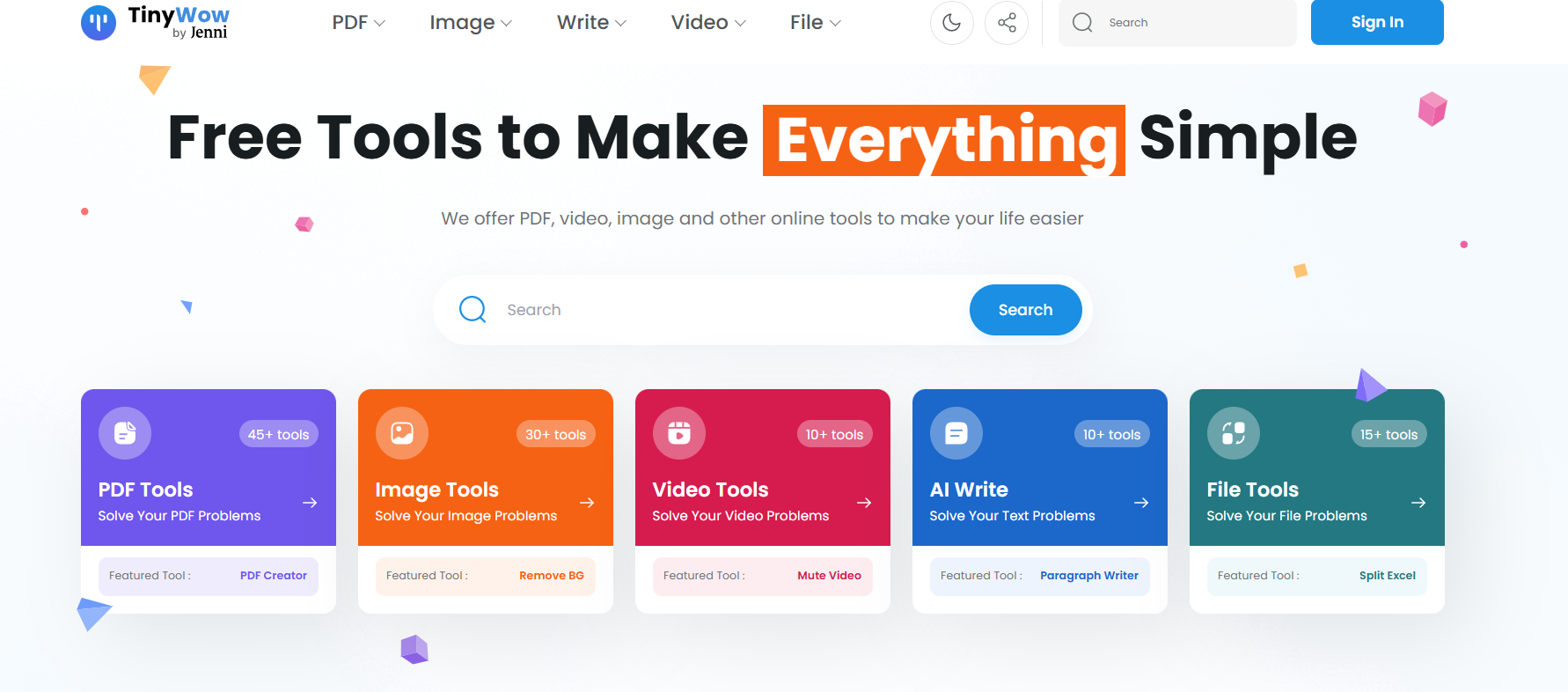
Creators tend to end up with subscriptions they barely use — a PDF tool here, an image resizer there, a video compressor they signed up for once and forgot about. TinyWow cuts through all of that. It's a single place where you can do 200+ different file tasks for free, without handing over your email address or sitting through a free trial. Head to the site, pick the tool, upload your file, done.
What's actually in there. Five main categories: PDF tools (merge, split, compress, convert, protect), Image tools (resize, compress, remove backgrounds, convert formats), Video tools (compress, trim, mute, convert), AI Write tools (generate, paraphrase, summarise, grammar check), and File tools (convert between dozens of formats). Each category has somewhere between 10 and 50+ individual tools — far more than most people realise at first glance.
No watermarks. Actually free. A lot of "free" tools give you back a file with their logo slapped across it, or they cap the file size at something frustratingly small. TinyWow doesn't do that. You get your file back clean, at a usable size, with no branding attached. Adobe Acrobat, Canva Pro, HandBrake — those subscriptions add up to a lot of money per year. TinyWow handles most of the same jobs at no cost.
Nothing to install. Everything runs in your browser. Upload your file, wait a few seconds, download the result. Works on Windows, Mac, ChromeOS — anything with a browser. It's genuinely one of the most useful bookmarks a creator can have.
Who Is It For?
Honestly, almost anyone who creates content online. YouTubers use it to compress footage before uploading. Thumbnail designers use the image tools. Course creators use the PDF tools to package their materials. Writers use the AI tools for drafts and rewrites. If you touch files of any kind regularly — and you definitely do — TinyWow is worth bookmarking right now.
Best Niches to Use With
Pros and Cons
- ✅ 200+ tools across PDF, image, video, AI writing, and file conversion
- ✅ Completely free — no account required, no watermarks
- ✅ Runs in any browser — no installation needed
- ✅ Covers tools that would cost hundreds per year if purchased separately
- ✅ Fast processing — most tasks complete in seconds
- ✅ Regularly updated with new tools and categories
- ❌ File size limits on some tools (usually fine for most creator tasks)
- ❌ No batch processing on free plan — files handled one at a time
- ❌ Requires internet connection — not for offline workflows
Summary
TinyWow is one of those tools you wonder how you got by without. It covers 200+ file tasks — PDFs, images, video, AI writing, format conversions — completely free, with no account sign-up and no watermarks on your work. If you've ever paid for a subscription just to compress one video or merge two PDFs, add TinyWow to your bookmarks and save yourself the hassle next time.
Visit TinyWow Free →