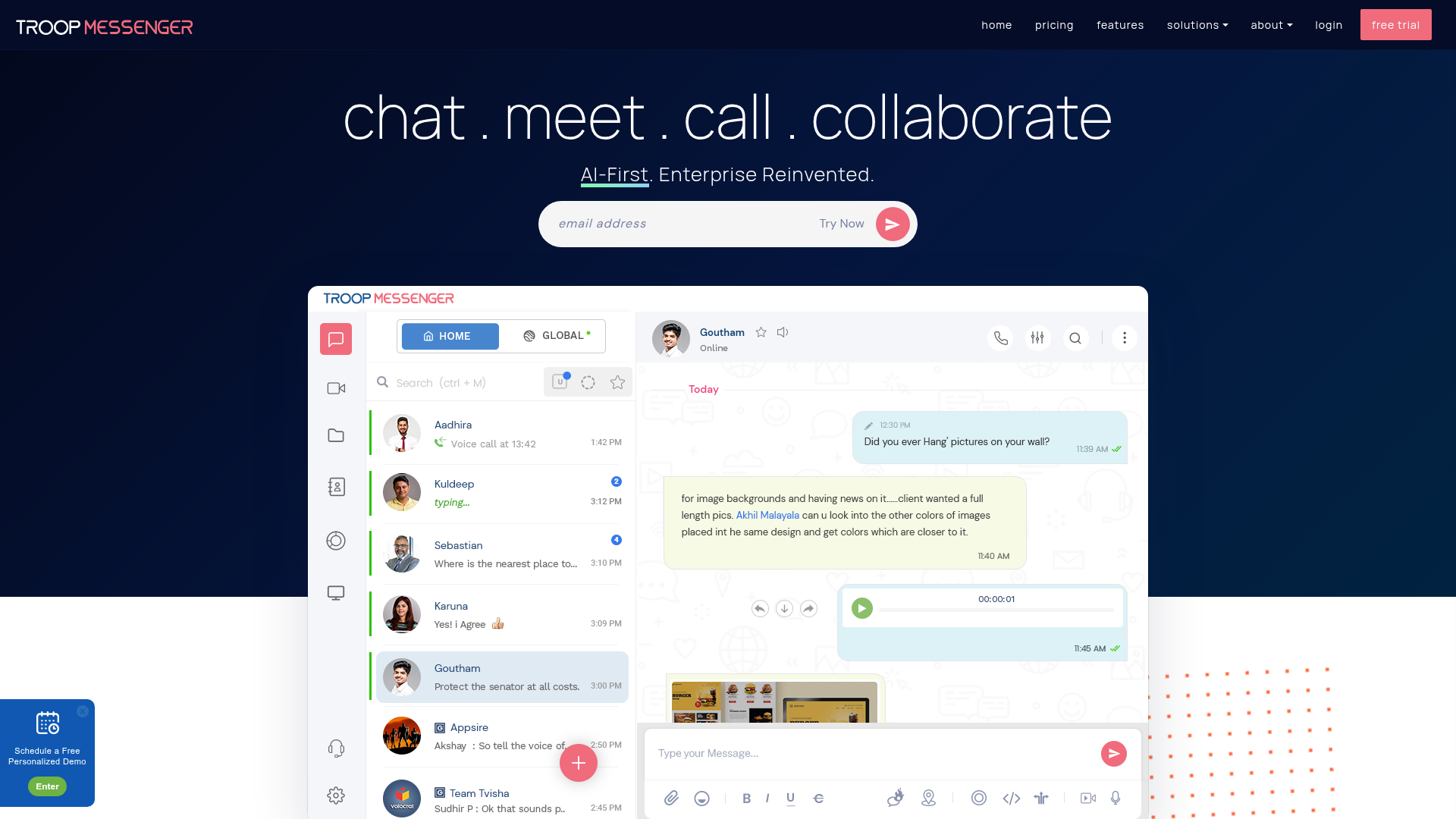
Content teams have real coordination overhead — editors, writers, designers, video producers, social managers all working across different tasks on different timelines. Running that through email is chaos, and the big team tools often come with price tags that only make sense at enterprise scale. Troop Messenger sits in a practical middle ground: full-featured team messaging without the Slack pricing ceiling.
The full feature set. Channels, groups, and direct messages for structured and ad-hoc communication. Video and audio calls with screen sharing for remote collaboration sessions. File sharing and management so you're not hunting through email threads for the latest version of a script. Message history you can actually search through. The basics done properly.
On-premise option. This is Troop Messenger's most distinctive feature — you can run it on your own servers. For teams with data privacy requirements, regulatory considerations, or a general preference to own their infrastructure, the self-hosted option is a genuine differentiator. Most team chat tools are SaaS-only; Troop Messenger gives you a choice.
Forkout — the focused work mode. Troop Messenger includes a feature called Forkout for broadcasting a message to multiple contacts or groups simultaneously without creating a group chat. Useful for announcements, updates, and briefings where you need to reach multiple people without the noise of a group thread.
For content teams specifically. The combination of file management, screen sharing, and real-time messaging makes Troop a reasonable hub for content production workflows. Review calls can happen in the platform, files can be shared and found without leaving the tool, and communication stays contextual to the project.
Who Is It For?
Content teams and agencies coordinating production across multiple people. Remote creator teams that need reliable messaging with video call capability. Organizations with privacy requirements that want a self-hosted messaging option. Small to medium teams looking for Slack functionality at a more accessible price point.
Best Niches to Use With
Pros and Cons
What Works Well
- Self-hosted / on-premise option available
- Video calls + screen sharing built-in
- File sharing and searchable history
- Forkout for multi-contact broadcasts
- More affordable than Slack at team scale
Worth Knowing
- Smaller ecosystem of integrations than Slack
- Mobile experience can lag behind desktop
- Self-hosted requires technical setup
- Less brand recognition = onboarding friction
The Bottom Line
Troop Messenger is a solid, complete team messaging platform — more than good enough for most content teams, and the self-hosted option makes it genuinely unique among business chat tools. If your team is on Slack mostly out of habit and you'd rather not pay those prices as you grow, Troop Messenger is worth evaluating. The feature set is there; the question is whether your team will make the switch.