
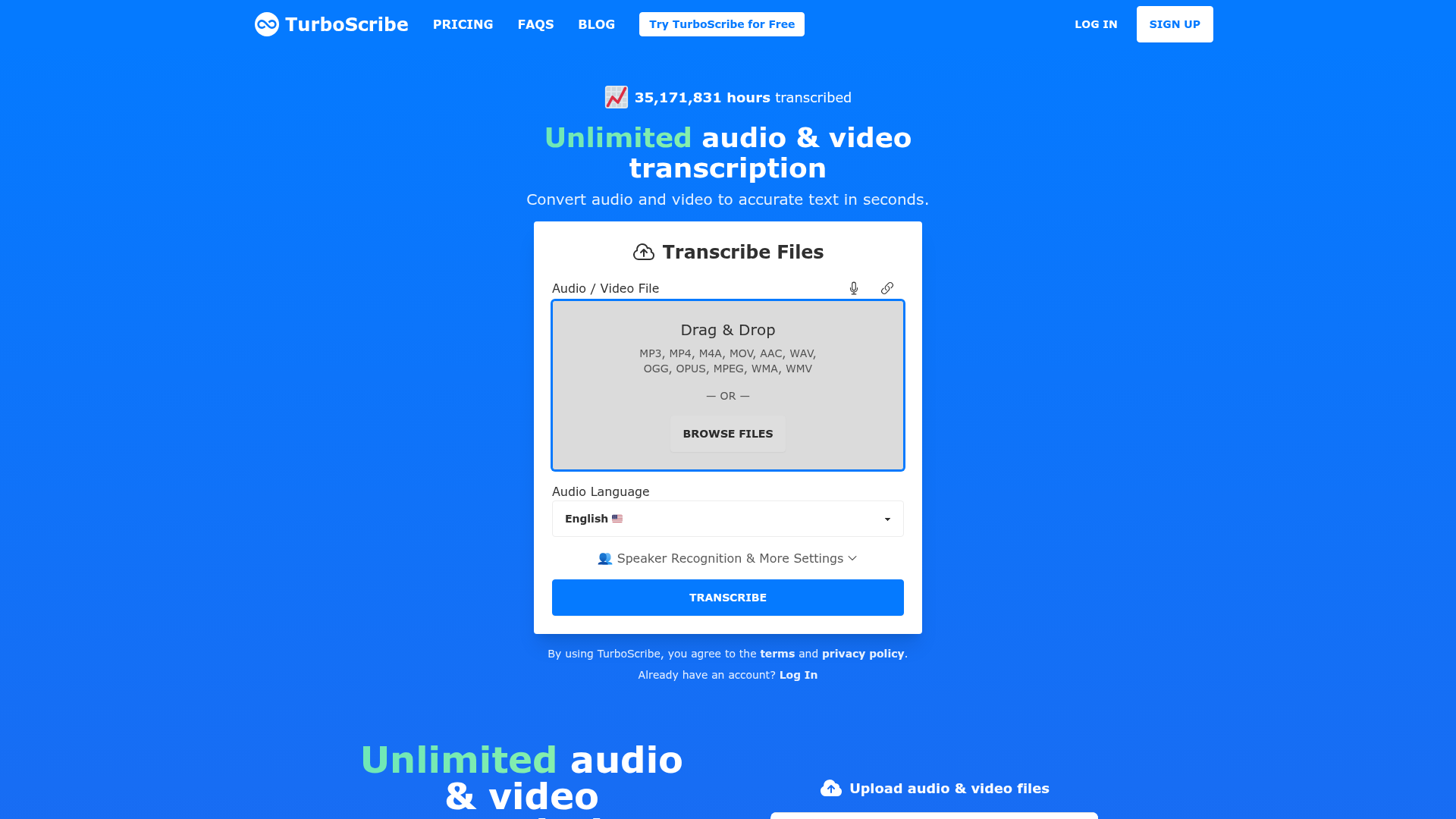
Transcription used to be one of the most time-consuming tasks in content production — especially for podcasters and long-form video creators. TurboScribe eliminates that bottleneck with high-accuracy AI transcription that handles accents, multiple speakers, and technical vocabulary across dozens of languages. Upload your file and receive a ready-to-use transcript you can turn into show notes, blog posts, captions, or repurposed social content.
98+ language support. transcribe content in any language with high accuracy
Upload audio or video. supports MP3, MP4, WAV, M4A, and more common formats
Speaker identification. detects and labels multiple speakers in conversations and interviews
Timestamps. get word-level or segment-level timestamps for easy navigation and editing
Export options. download transcripts as TXT, SRT, VTT, or DOCX for flexible use
Unlimited transcription on paid plans. no per-minute caps for high-volume creators
Who Is It For?
Podcasters, interview-based YouTubers, and anyone who produces long-form spoken content and needs transcripts for accessibility, SEO, or repurposing. If your workflow regularly involves turning audio into written text, TurboScribe saves several hours each week.
For live transcription needs — real-time captions during a stream or meeting — TurboScribe is not the right tool. It processes uploaded files only. Also, heavy accents, significant background noise, or technical terminology reduce accuracy.
Pros and Cons
- ✅ Fast turnaround — most files transcribed in under five minutes
- ✅ Generous free tier for light use
- ✅ Supports dozens of languages
- ✅ Multiple export formats including SRT and Word
- ❌ Speaker labels require manual review and correction
- ❌ Heavy accents or noisy audio reduce accuracy noticeably
- ❌ No live or real-time transcription
Pricing
Free plan includes 30 minutes of transcription per day. Paid plans start from around $10/month for unlimited transcription with higher accuracy.
Summary
TurboScribe is a solid, affordable transcription tool that handles most creator transcription needs well. For podcast show notes, subtitle files, and blog post repurposing, it is significantly faster than alternatives and the free tier is genuinely usable. Test it on a recent episode before committing to a paid plan.
Frequently Asked Questions
Is TurboScribe accurate?
TurboScribe is highly accurate for clear audio with a single speaker, regularly achieving over 95% word accuracy in English. Accuracy drops with heavy accents, significant background noise, or multiple overlapping speakers. For best results, use a decent microphone and record in a quiet environment.
Is TurboScribe free?
Yes. TurboScribe offers a free plan that includes 30 minutes of transcription per day. For unlimited transcription and higher accuracy, paid plans start from around $10 per month. The free tier is genuinely useful for occasional transcription tasks.
What file formats does TurboScribe support?
TurboScribe supports all common audio and video formats including MP3, MP4, WAV, M4A, AAC, FLAC, OGG, and WebM. You can upload a video file and it will extract the audio automatically — useful for transcribing YouTube recordings or podcast exports.
How does TurboScribe compare to Otter.ai?
TurboScribe is better for file-based transcription and supports more languages than Otter.ai. Otter.ai has stronger real-time transcription and meeting integration features (Zoom, Google Meet). If you primarily transcribe pre-recorded podcasts or YouTube videos, TurboScribe is the better value option.
Can TurboScribe transcribe YouTube videos?
Not directly from a URL — you need to download the audio or video file first, then upload it to TurboScribe. Once uploaded, it transcribes the content accurately. Tools like yt-dlp can extract the audio from a YouTube video before uploading.