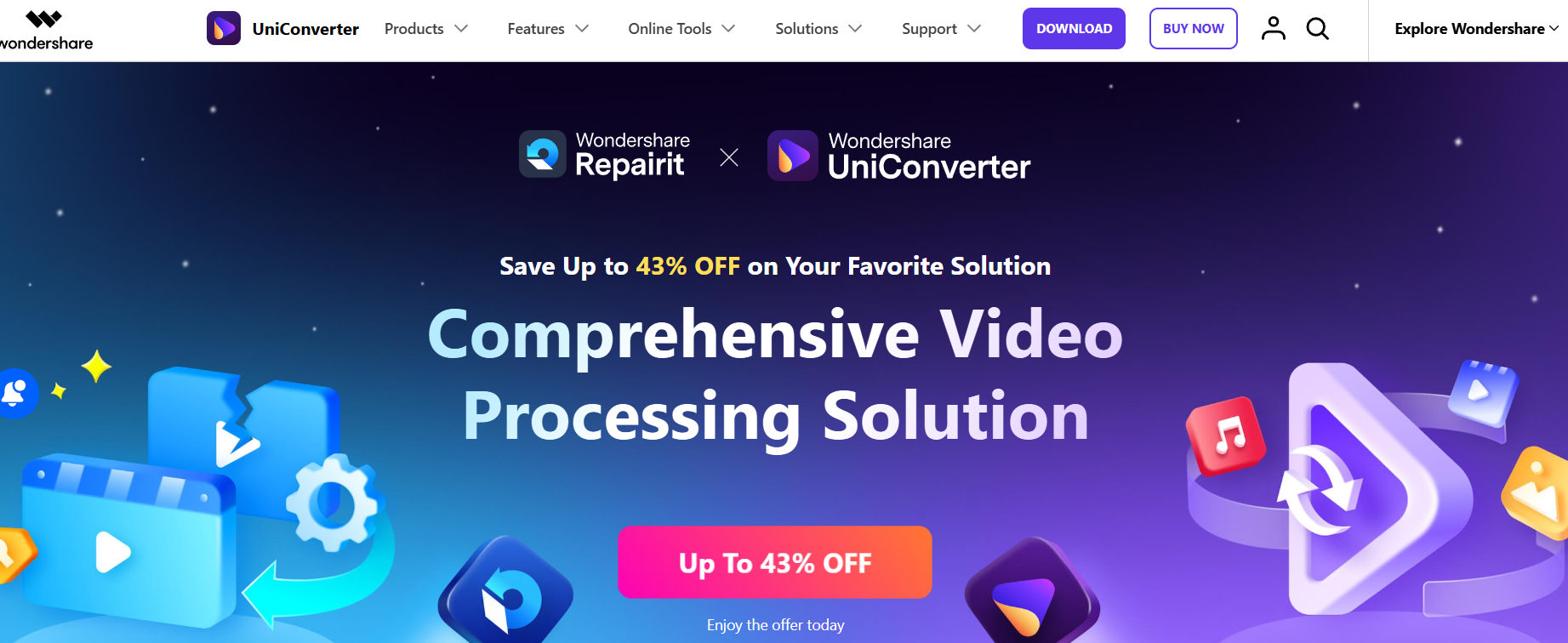
Format incompatibility and file size problems are part of being a creator. You record in one format, your editor wants another. You upload to YouTube and the file is too big. You need to send a clip to a client but the quality looks off. UniConverter has been around long enough to handle essentially all of these problems — it supports 1000+ video and audio formats and includes AI tools for upscaling, noise reduction, and quality enhancement.
What it actually covers. The core use is video conversion — taking a file in one format and exporting it in another, quickly, without quality loss. Beyond that, you get compression tools (important for uploading to platforms with file size limits), basic editing like trimming and merging, subtitle tools, a screen recorder, and DVD tools. The AI side adds video enhancement (upscaling lower-quality footage), noise reduction, and frame interpolation for smoother slow motion.
Where the AI tools matter. If you've ever pulled an old clip for a modern video and noticed it looked rough compared to your current footage, the AI upscaling tool is worth knowing about. It can take 720p or even SD footage and enhance it to look closer to 1080p or 4K — not perfect, but meaningfully better. Similarly, the noise reduction works well for audio recorded in imperfect conditions.
Batch processing is the real time-saver. Creators working with high volumes of footage — especially those managing a YouTube channel, podcast clips, or social media cuts — benefit most from the batch capabilities. You can queue up dozens of files, set a conversion or compression job, and walk away. That's the kind of efficiency that adds up quickly when you're managing a content calendar.
Backed by Wondershare. Like Media.io, UniConverter comes from Wondershare — the same company behind Filmora. It's an established product that's been maintained and updated for years, not a startup experiment. The software has a genuine user base and a real support structure behind it.
Who Is It For?
Video creators who regularly deal with format conversion, file size issues, or quality problems. YouTubers managing large archives of footage in different formats. Podcasters who need audio extraction and format conversion. Editors who want a fast all-in-one tool that covers the technical side of video processing without opening a full NLE.
Best Niches to Use With
Pros and Cons
What Works Well
- Supports 1000+ video and audio formats
- AI upscaling and noise reduction tools
- Batch conversion saves significant time
- Trusted Wondershare software with long track record
- Covers conversion, editing, and enhancement in one app
Worth Knowing
- Paid software (not free like some alternatives)
- Desktop app only — no browser version
- Some advanced AI features need higher-tier plan
- Overkill if you only need basic conversion
The Bottom Line
UniConverter is the kind of tool you install once and reach for repeatedly. If you're a serious creator who works with video regularly — whether that's YouTube, courses, podcasts, or client work — having one reliable piece of software that handles format conversion, compression, editing, and AI enhancement is worth far more than the subscription cost. It removes friction from a part of the workflow that doesn't need to be complicated.