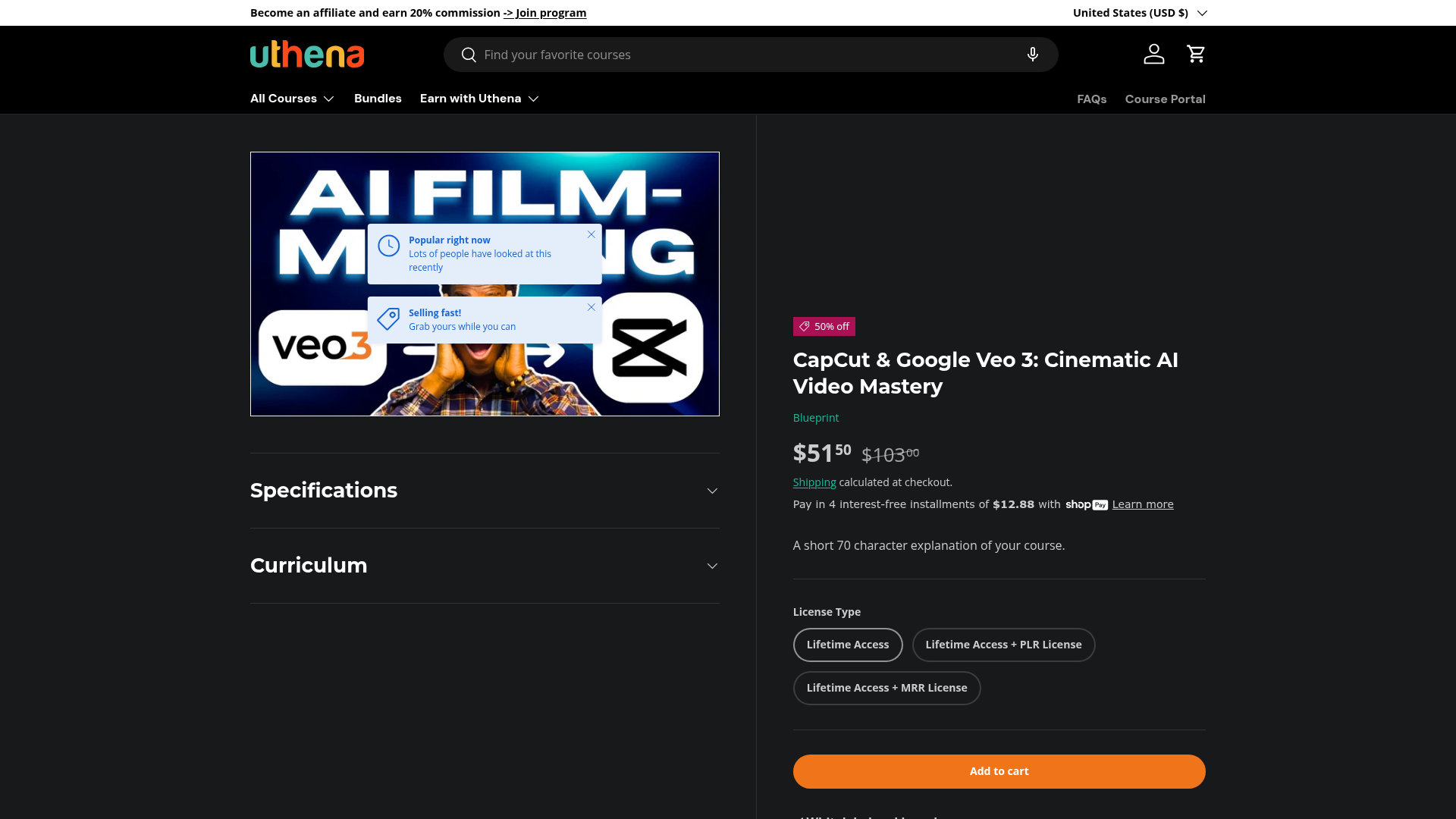
AI video generation has taken a significant leap with Google Veo 3. Unlike earlier AI video tools that produced obviously artificial results, Veo 3 generates clips that look like they came from a real camera — cinematic lighting, natural motion, believable scenes. The challenge is knowing how to prompt it for consistent output and then how to edit what you get into a finished video.
That's the gap this course fills. You'll understand how Veo 3 works, how to get reliable cinematic results from it, and how to use CapCut's editing features to take those AI clips and shape them into something you'd actually be proud to publish. It's one of the first courses to address this specific workflow combination — and the 50% discount makes it a low-risk way to get ahead of a very fast-moving trend.
What You'll Learn
- ✓ How Google Veo 3 AI video generation works and what makes it different from earlier tools
- ✓ How to craft prompts that produce consistent cinematic AI video clips
- ✓ How to edit and polish AI-generated video footage in CapCut
- ✓ How to build complete AI video productions from concept through to publish-ready output
- ✓ How to apply cinematic techniques to AI-generated content so it looks intentional, not accidental
Who Should Take This
- → Creators who want to produce cinematic video content without a camera or production crew
- → Anyone using CapCut who wants to integrate AI video generation into their workflow
- → Faceless channel creators looking for a cinematic edge over competitors
- → Digital product sellers who want a timely, in-demand AI video course with PLR + MRR rights
The combination of Veo 3 and CapCut is genuinely new territory. Most creators are still using older AI video tools or skipping AI video entirely because previous results weren't good enough. This course positions you to get ahead of that curve — and the PLR + MRR rights mean you can also sell access to this knowledge as the space becomes more mainstream.