
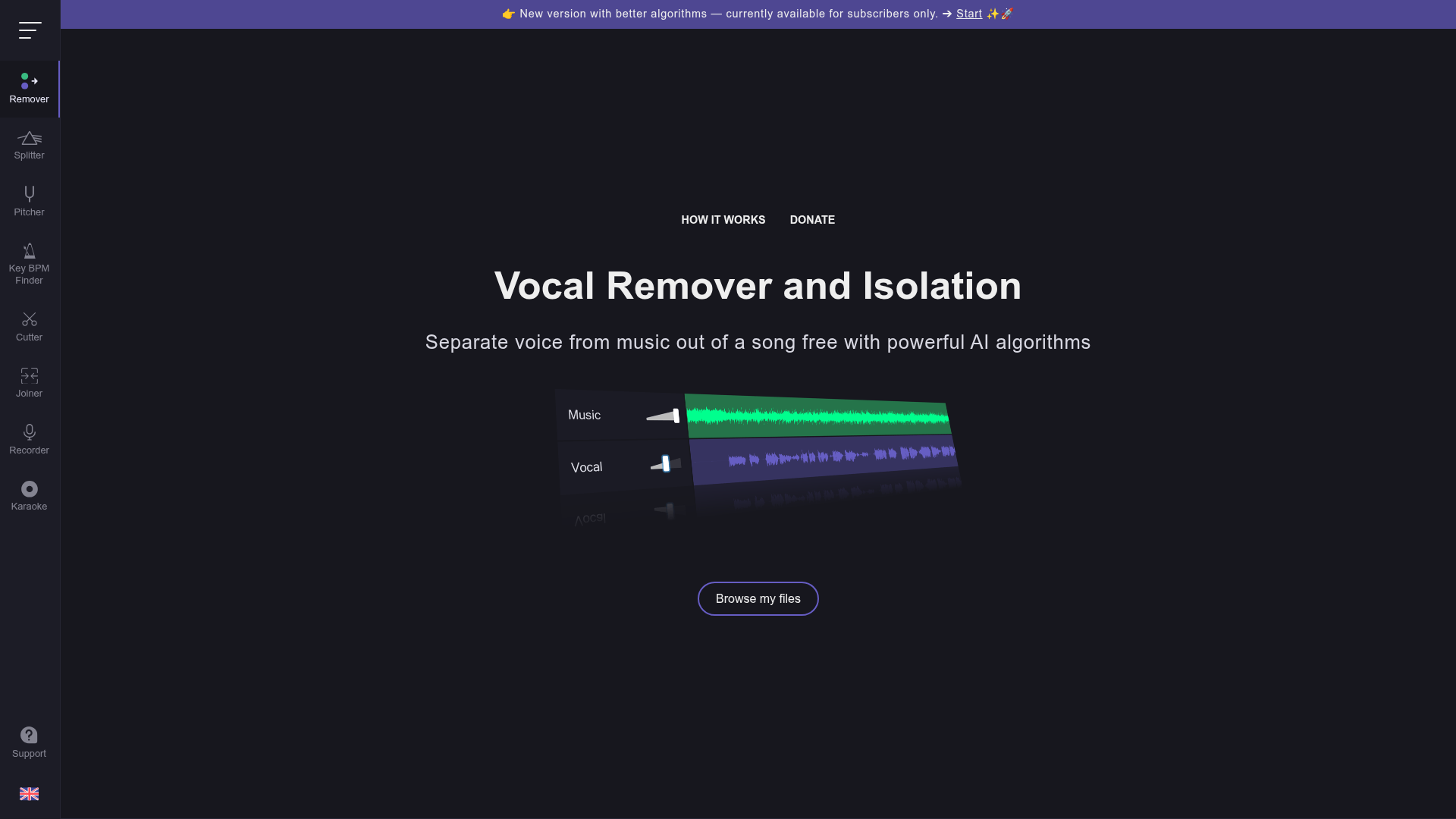
Audio separation used to require expensive software like RX by iZotope or access to the original multi-track recording. Vocal Remover brings this capability to any creator for free — just upload a song file and receive two separate outputs: a karaoke version with vocals removed, and an acapella version with only the vocals isolated. Both have practical creative applications for content creators working with music in their videos and streams.
Vocal removal. strip vocals from any song to create a clean instrumental or karaoke track
Vocal isolation. extract just the acapella vocals from any track for remixing or sampling
Fast processing. AI separation takes approximately 10 seconds per song
Free to use. no payment required for the core vocal removal functionality
Additional tools. audio splitter, pitcher, key/BPM finder, cutter, joiner, and recorder
Browser-based. no software installation required, works on any device
Who Is It For?
Music creators, cover artists, and content creators who need instrumental versions of songs for covers, remixes, or content use. Also useful for musicians studying the individual layers of professional recordings to improve their own production skills.
For critical professional use where audio quality must be perfect, free AI source separation tools produce artefacts that professional stem separation services handle better. Quality varies significantly by source material.
Pros and Cons
- ✅ Free to use for basic separation
- ✅ Works entirely in browser — no installation required
- ✅ Multiple output components: vocals, instrumentals, drums, bass
- ✅ Fast processing for most tracks
- ❌ Quality varies by song — dense mixes often have audible artefacts
- ❌ Free tier has file size limitations
- ❌ Not suitable for professional production without additional cleanup
Pricing
The basic vocal removal tool is free. Premium plans with higher quality processing are available from around $5/month.
Summary
Vocal Remover is a useful free tool for creators who occasionally need an instrumental track or want to experiment with audio stems. The quality depends heavily on source material — test it on a few songs before relying on it for published content. For social content, cover videos, and learning purposes, it gets the job done without any cost.