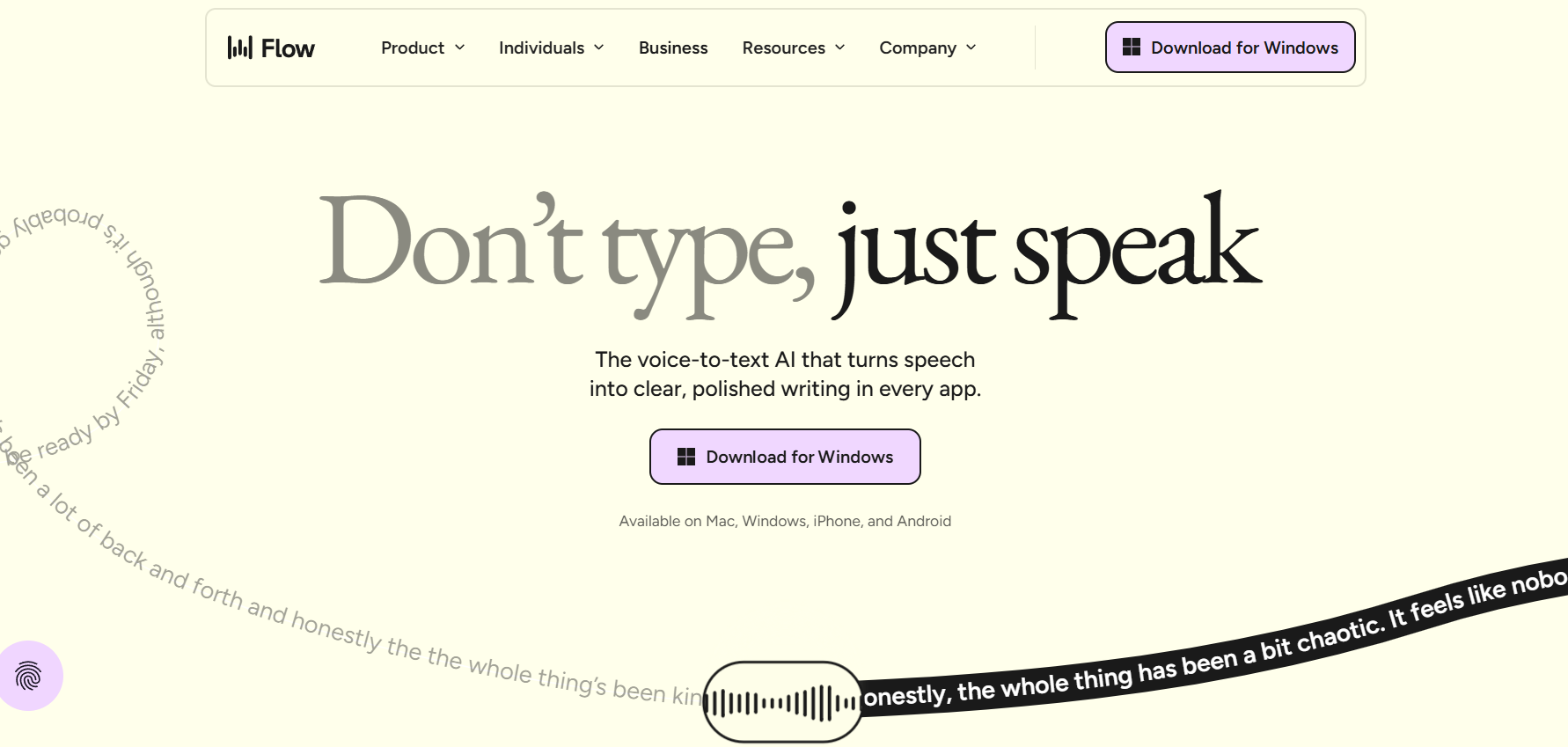
Most creators spend a significant chunk of their day typing things they'd be better off saying. Emails, scripts, social captions, briefs, responses — all typed out one word at a time when speaking would be faster and more natural. Wispr Flow shifts that balance by making your voice the default input method, everywhere on your Mac.
Works anywhere on your Mac. This is the key differentiator. Wispr Flow isn't a standalone transcription tool you paste from — it types directly into whatever app you're in. Google Docs, Notion, email, Slack, a video script editor, a YouTube description box — you set the cursor where you want text and start speaking. The text appears as if you typed it.
AI-powered cleanup, not raw transcription. The difference between voice dictation that's useful and voice dictation that creates more work is the cleanup layer. Wispr Flow uses AI to handle punctuation, sentence structure, and context-appropriate formatting. You don't get a wall of words with "um" every third phrase — you get something close to what you would have typed if you'd taken the time to think it through.
How creators use it. Script drafts: speak through your talking points for a video and get a rough draft to tighten. Social captions: dictate while you're thinking about a post — no sitting at a keyboard. Email responses: talk through replies instead of typing them. Community engagement: respond to comments by speaking instead of typing. The workflow applies anywhere text is being created.
The speed argument. The commonly cited benchmark is 4× faster than typing for most people. Even if you're a fast typist, speaking complex thoughts tends to flow more naturally than translating them through keystrokes. For long-form content — scripts, blog posts, outlines — the difference is significant. For short replies it's more about friction reduction than pure speed.
Who Is It For?
Mac users who create a lot of written content — scripts, emails, articles, social posts, documentation. YouTubers who want to get rough drafts out quickly without the blank-page block of sitting at a keyboard. Anyone who thinks faster than they type and has ever wished they could just say what they mean.
Best Niches to Use With
Pros and Cons
What Works Well
- Types into any app on your Mac
- AI cleans up punctuation and structure
- Genuinely faster than typing for most people
- Reduces friction for long-form content
- Natural speech recognition — not robotic
Worth Knowing
- Mac only — no Windows version currently
- Subscription pricing
- Needs a quiet-ish environment to work well
- Review pass still needed for precision content
The Bottom Line
Wispr Flow is one of those tools that sounds simple but genuinely changes your daily workflow if you use it. The "type into any app" approach means you don't have to build a new habit around a separate window — it just replaces typing wherever you already are. For Mac-based creators who produce a lot of written content, this is worth trying. The speed gains are real, and the AI cleanup makes the output actually usable without a heavy editing pass.