Creator Dashboard Review — Quick-Access YouTube Stats Panel
Creator Dashboard is a Chrome extension that adds a streamlined stats panel to YouTube Studio — giving you views, subscribers, watch time, and revenue data at a glance without navigating through YouTube's multi-section analytics interface every time you check in on your channel.
Install on Chrome Web Store →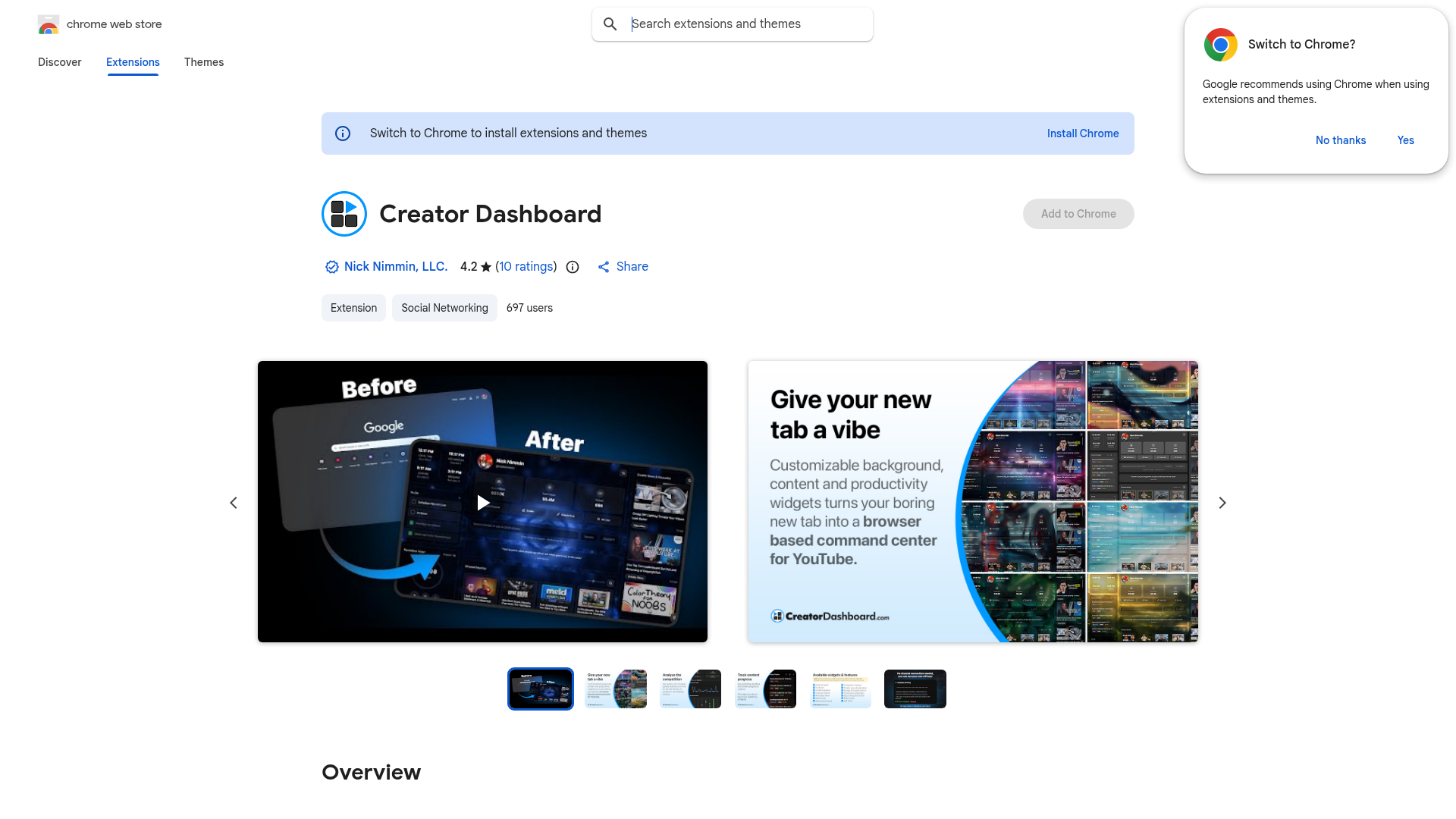
What It Does
Creator Dashboard overlays a compact stats panel onto YouTube Studio, making your most important channel metrics visible without clicking through the full analytics section. It is built for creators who check their numbers frequently and want the data in front of them faster.
YouTube Studio's analytics are thorough, but navigating to the numbers you care about most takes several clicks every time. Creator Dashboard puts those metrics — views, watch time, subscribers, and revenue trends — into a quick-access format so you spend less time inside analytics and more time acting on the information.
Key Features
- 📊 Compact stats panel overlaid directly in YouTube Studio
- ▶️ Views, watch time, and subscriber change at a glance
- 💰 Revenue data visible without navigating separately
- ⚡ Faster access to the metrics you check most often
- 🆓 Free to install — no subscription required
Who Is It For?
Creator Dashboard is best suited to active YouTube creators who monitor their stats regularly and find the standard YouTube Studio navigation slow. If you open YouTube Studio multiple times a day and mostly want to check a few key numbers quickly, this extension removes the extra clicks.
Summary
Creator Dashboard is a small but practical quality-of-life extension for YouTube creators. It does not add analytical depth — it adds speed and convenience by putting your most-checked stats in a faster-to-access location. Worth installing if you find yourself clicking through YouTube Studio analytics repeatedly just to see a handful of numbers.
Install on Chrome Web Store →