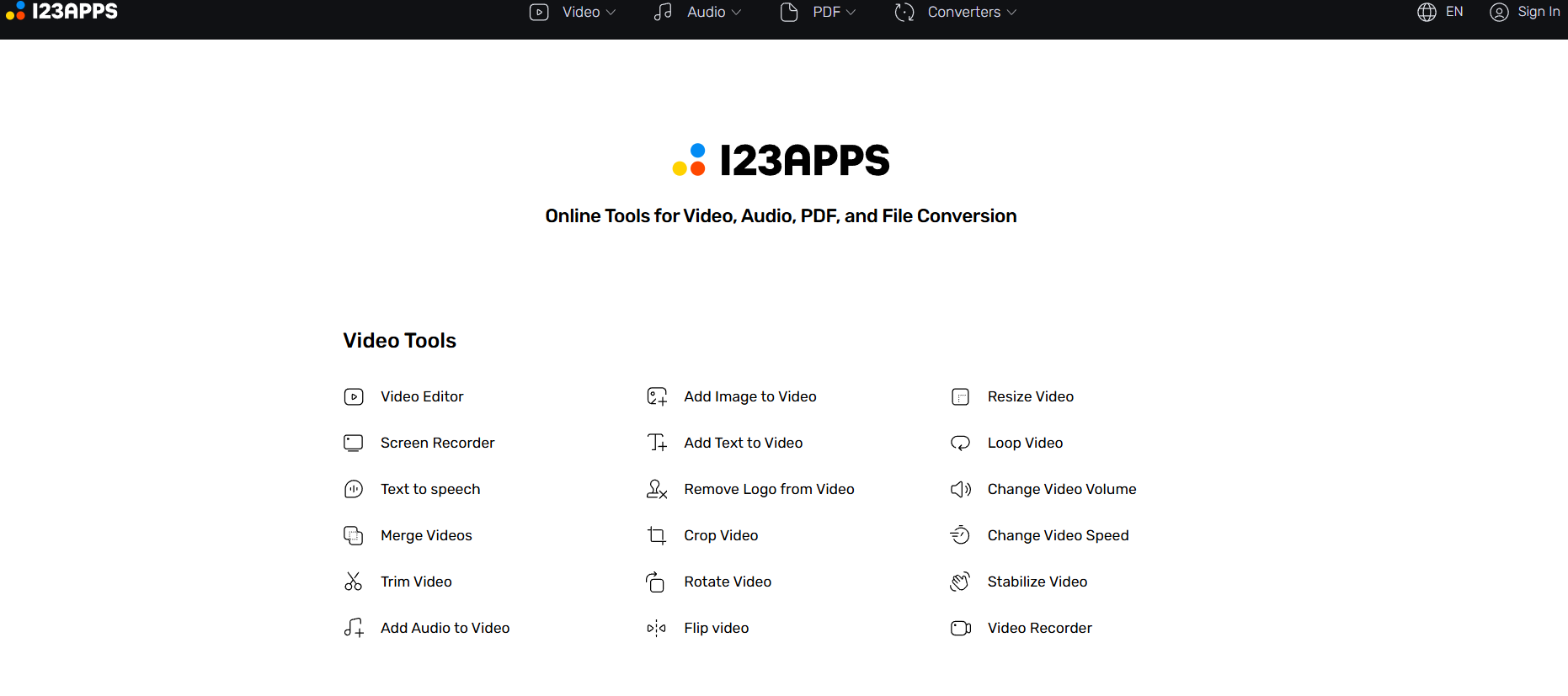
The category of "browser tools" has a lot of competition, but 123apps earns its place on the list through consistent reliability and a genuinely wide range of tasks covered. The core offering is split across four main areas: PDF tools, video tools, audio tools, and file converter. Each section has between five and fifteen specific tools covering the most common tasks in that category — and they work cleanly without demanding that you create an account first.
What's in the PDF section. The PDF tools handle the tasks most creators run into: merging multiple PDFs, splitting one PDF into pages, compressing large PDFs, converting PDFs to Word documents, converting images to PDF, and rotating or rearranging pages. If you create course materials, ebooks, or client deliverables, these tasks come up regularly and don't need a paid subscription to solve.
The video and audio tools. Video tools cover cutting, trimming, converting between formats (MP4, AVI, MOV, etc.), extracting audio from video, and adjusting video resolution. Audio tools handle format conversion (MP3, WAV, FLAC, OGG), trimming clips, merging audio files, and adjusting volume. These aren't sophisticated editing tools, but for the specific task of "I need this file in a different format or size," they're exactly what's needed.
No watermarks, no tricks. One of the most important things about 123apps is that your output files come back clean. No logos, no watermarks, no "converted by 123apps" text embedded in your documents or videos. For most creator tasks — editing a PDF, converting an audio clip, trimming a video — that's an important practical point.
Who Is It For?
Any creator who regularly deals with file tasks and doesn't want to manage subscriptions for each one. Course creators who work with PDFs and need to compress, merge, or convert them. Video editors who need quick format conversions. Podcasters who need to trim, convert, or adjust audio files without opening a full DAW.
Best Niches to Use With
Pros and Cons
- ✅ Free — no account, no subscription
- ✅ Covers PDF, video, audio, and file conversion in one place
- ✅ No watermarks on output files
- ✅ Works in any browser — no software installation
- ✅ Clean, simple interface — no unnecessary complexity
- ❌ Not a substitute for full-featured editing software
- ❌ File size limits apply on some tools
- ❌ Processing speed depends on file size and internet connection
Summary
123apps is a reliable, no-nonsense collection of free browser tools covering the file tasks creators encounter most: PDF manipulation, video conversion, audio editing, and format changes. No account needed, no watermarks, no software to install. It's the kind of site you bookmark and come back to regularly when you need to do one specific thing quickly without making it a project.
Try 123apps Free →
Frequently Asked Questions
Is 123apps safe to use?
Yes, 123apps is a well-established and safe online tool suite used by millions of people. Files uploaded for processing are deleted from their servers after a short period and are not stored permanently. For sensitive documents, always use reputable tools — 123apps meets this standard.
Is 123apps completely free?
Most 123apps tools are free to use with no account required. Some advanced features and larger file size limits require a paid plan. For typical creator tasks — converting a video file, trimming audio, or editing a PDF — the free tier handles everything without restrictions.
What types of files can 123apps process?
123apps handles PDF documents (merge, split, compress, convert), audio files (MP3, WAV, trim, merge, change pitch), and video files (convert between formats, cut clips, extract audio). It covers the most common file manipulation tasks a content creator encounters without needing dedicated software.
Does 123apps work on mobile?
Yes. 123apps is fully browser-based and works on mobile devices including iPhone and Android. The interface is responsive and all tools function through a mobile browser without needing to install an app. File uploads from your phone's camera roll or cloud storage are supported.
Does 123apps store my uploaded files?
123apps deletes uploaded files from their servers within a few hours of processing. They do not store or share your files. For extra peace of mind with sensitive documents, you can also use 123apps' offline desktop apps which process files entirely on your local machine.