
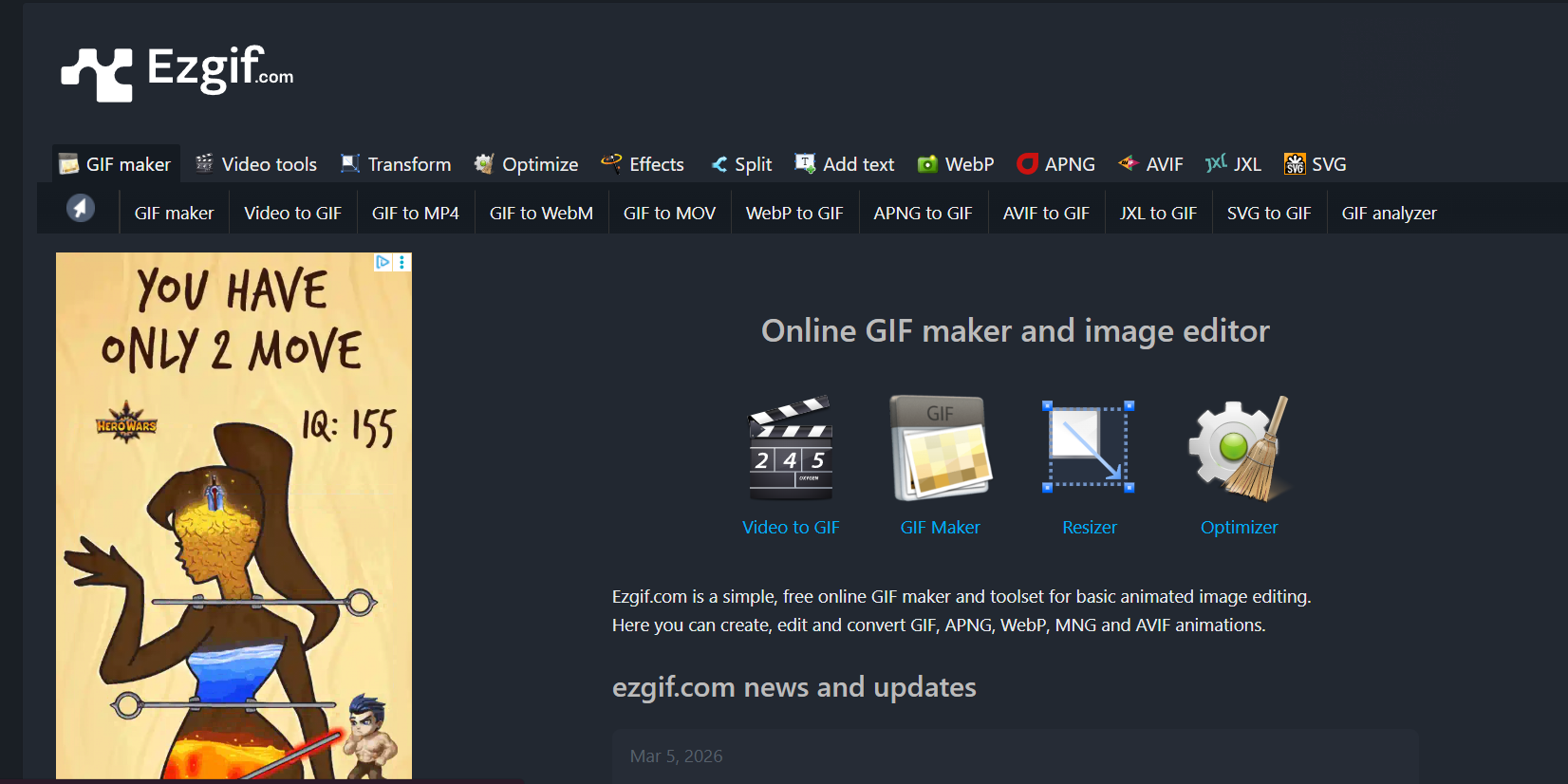
EzGIF has been the go-to browser-based GIF and image tool since 2014. Whether you need to turn a viral video moment into a shareable GIF, compress a large GIF for faster loading, or convert between image formats — EzGIF handles it all quickly and without any account required.
Video to GIF Converter. Upload any video file (MP4, AVI, MOV, WebM) and convert any section to a GIF — perfect for creating shareable moments from your content.
GIF Maker from Images. Combine multiple images or frames into an animated GIF — great for stop-motion effects and simple animations.
GIF Optimizer. Reduce GIF file size without significant quality loss — essential for websites, Discord, and platforms with file size limits.
GIF Resizer & Cropper. Resize any GIF to exact dimensions or crop to remove unwanted parts — without re-rendering from scratch.
Add Text & Captions. Overlay text onto GIFs directly in the browser — create captioned reaction GIFs or branded animated content.
Reverse GIF. Play any GIF backwards for creative effects — popular for boomerang-style content.
Format Conversion. Convert between GIF, WebP, APNG, MP4, and other formats — adapting content for different platforms and use cases.
Who Is It For?
Content creators who work with GIFs, short video clips, and animated images for social media posts, reaction content, or website use. Ezgif is an excellent quick-edit tool for anyone who needs to convert, trim, optimise, or create GIF files without dedicated software.
For professional video editing or high-quality video output, Ezgif's tools are too limited. It handles GIF-resolution and web-optimised output well, but is not designed for production-quality video work.
Best Niches:
Pros and Cons
- ✅ Free to use with no account required
- ✅ Handles GIF creation, conversion, optimisation, and editing in browser
- ✅ Also converts video to GIF and vice versa
- ✅ Fast processing for small files
- ❌ File size limitations on uploads
- ❌ Limited to GIF-scale resolution and basic operations
- ❌ Interface is functional but dated
Pricing
Ezgif is completely free. No account required for most functions.
Summary
Ezgif is one of those reliable free tools that is always in the browser bookmarks of creators who work with GIFs regularly. It handles every GIF-related task you might need — trimming, resizing, optimising file size, converting formats — quickly and without requiring any account or software. A no-brainer bookmark.