
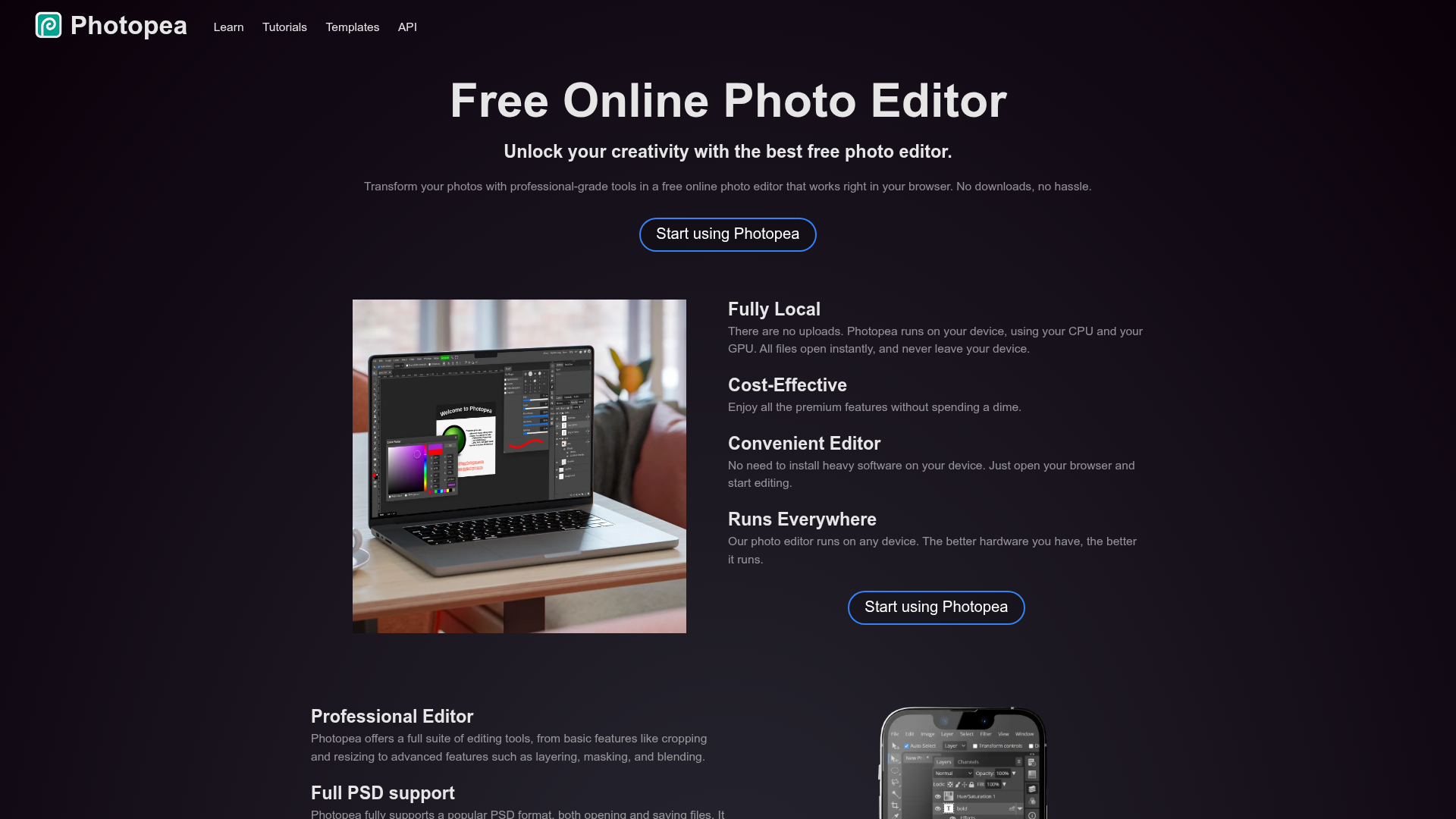
Photopea is the closest free alternative to Adobe Photoshop available anywhere. It runs CPU and GPU processing directly on your device — meaning your files never leave your machine, it loads instantly, and works on any device. For creators who need serious photo editing power without the monthly subscription, it's genuinely remarkable.
Full PSD Support. Open, edit, and save Adobe Photoshop (.PSD) files natively — a rare capability for any free tool, essential for working with design templates.
40+ Format Support. PNG, JPG, GIF, BMP, WEBP, SVG, PDF, AI, AVIF, DDS, HEIC, TIFF, MP4, TGA, CDR, PDN, EPS, INDD, Figma, Sketch, XD, and more.
Layers, Masks & Smart Objects. Full layer system with adjustment layers, layer masks, smart objects, channels, and paths — the complete professional toolkit.
AI Background Removal. One-click AI-powered background remover — essential for creating product photos, thumbnails, and composite images.
AI Generative Fill. Replace any part of an image with AI-generated content through a text description — state-of-the-art AI editing tools.
Perfect RAW Support. Open DNG, CR2, CR3, NEF, ARW, and more camera RAW formats with full exposure, color balance, and shadow controls.
Vector Graphics. Create and edit vector paths, logos, and illustrations directly within the editor alongside raster content.
Who Is It For?
Content creators who need an accessible photo editor for thumbnails, social media graphics, and basic photo enhancement without subscribing to Adobe Creative Cloud. Particularly useful for anyone who receives PSD templates and needs to edit them without Photoshop.
For advanced photo editing with precise control over complex selections and professional colour grading, Photopea's feature depth falls short of the real Photoshop. Professional photographers producing portfolio or commercial work typically need dedicated software.
Best Niches:
Pros and Cons
- ✅ Completely free with no account required
- ✅ Opens and saves native .psd and other professional formats
- ✅ Familiar Photoshop-like interface
- ✅ Runs in browser — no installation needed
- ❌ Occasional slowdowns on large, complex files
- ❌ Some advanced Photoshop features are missing
- ❌ Ads present on the free version
Pricing
Photopea is completely free. An ad-free premium plan is available for around $9/month.
Summary
Photopea is the best free alternative to Photoshop for creators who need to edit PSD files, remove backgrounds, and create layered compositions for thumbnails and social media. For anyone who does not use Photoshop daily but occasionally needs its capabilities, this is the obvious free substitute. Install nothing — open a browser and start.