
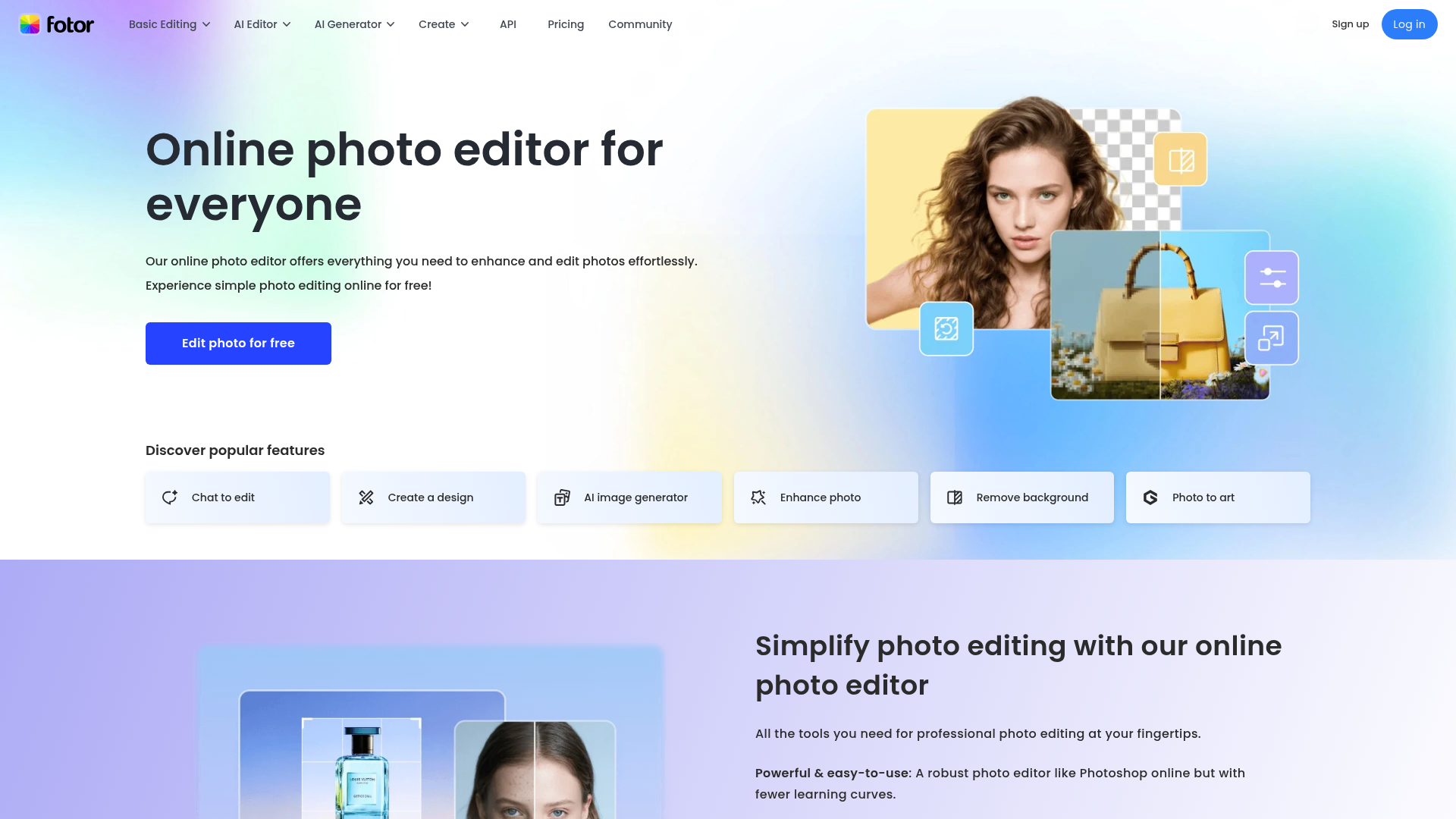
Fotor positions itself as a Photoshop alternative that anyone can use — with fewer learning curves but a complete suite of professional editing tools. For content creators, Fotor covers nearly every visual editing need from channel art and thumbnail creation to social media graphics, profile photo enhancement, product photos, and AI-generated imagery. The free plan allows unlimited editing and export without watermarks.
AI Background Remover. removes image backgrounds in 3 seconds automatically
AI Photo Enhancer. improves photo quality, unblurs images, and enhances details in one click
AI Image Generator. convert text descriptions into stunning AI images and artwork
AI Object Remover. remove unwanted people, objects, and watermarks cleanly from any photo
AI Replace. brush over an area and use a text prompt to add or swap objects in any photo
Batch Photo Editor. edit dozens of photos at once with consistent adjustments applied automatically
Who Is It For?
Content creators who need an accessible photo editor for thumbnails, social media graphics, and basic photo enhancement. Fotor is particularly useful for creators who want AI-powered editing features — background removal, object erasure, portrait enhancement — without subscribing to Adobe Creative Cloud.
For advanced photo editing with precise control over masks, selections, and professional-level colour grading, Fotor's feature depth will feel limiting. Professional photographers producing portfolio or commercial work typically require dedicated software.
Pros and Cons
- ✅ AI background removal and portrait enhancement
- ✅ Template library for common social media sizes
- ✅ Photo editor plus design collage tools in one
- ✅ Free tier is workable for basic use
- ❌ Free plan has watermarks on some exports
- ❌ AI editing results vary in quality depending on image complexity
- ❌ Less precise control than Photoshop or Lightroom
Pricing
Fotor has a free plan. Pro plans start from around $3.33/month billed annually for watermark-free exports and more AI credits.
Summary
Fotor is a useful middle-ground photo tool for creators who want more than a basic editor but do not need Photoshop's complexity. The AI tools — particularly background removal and portrait enhancement — handle common thumbnail use cases well. Try the free tier before deciding whether the Pro plan is worth it for your workflow.