
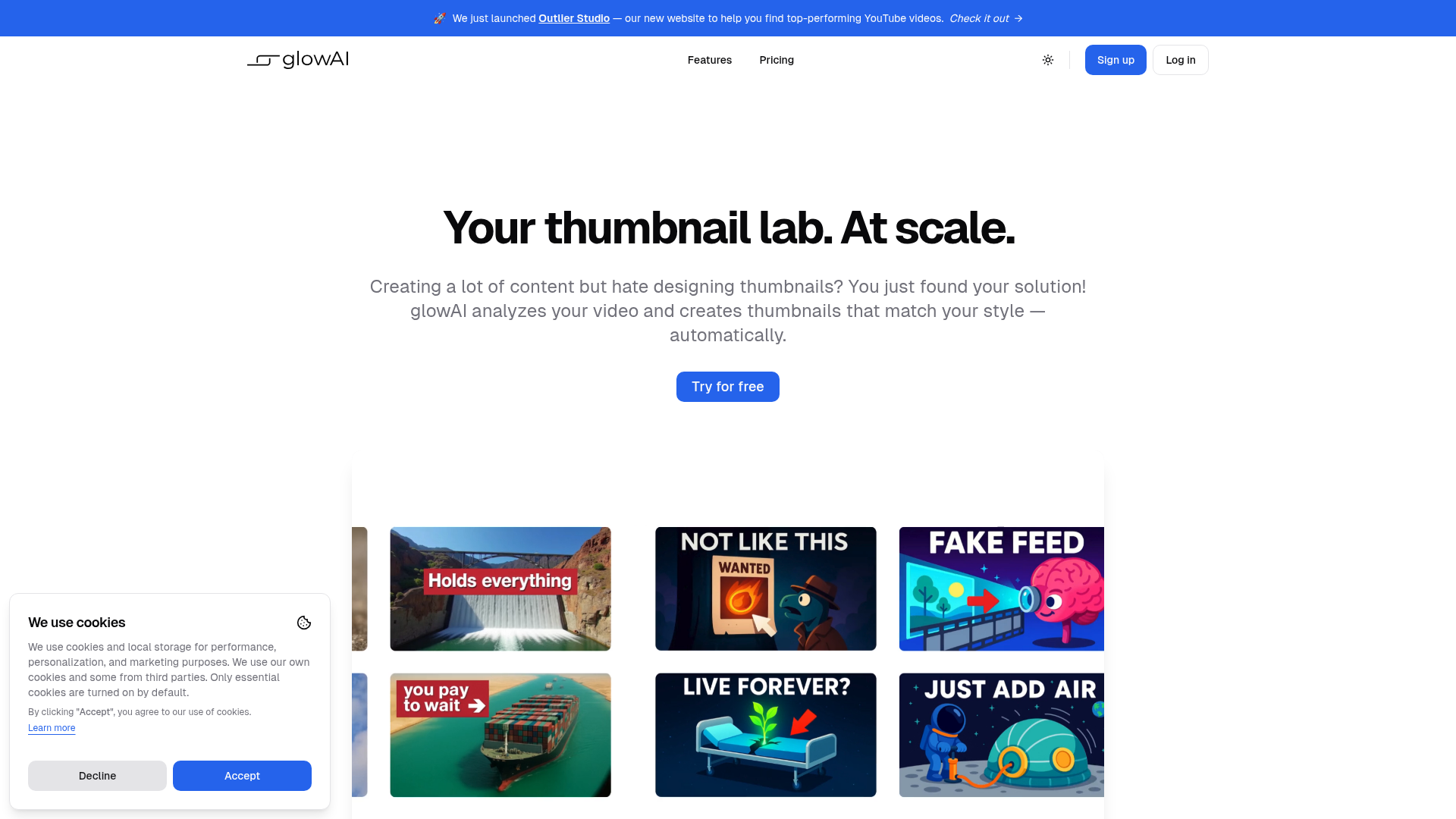
Thumbnails are one of the most critical parts of YouTube growth — a better thumbnail can double or triple your click-through rate on the same video. GlowAI removes the bottleneck of manual thumbnail creation by analyzing your video's content, your channel's established style, and generating thumbnail options that look professionally designed and on-brand.
AI analyzes your video content and generates thumbnails matched to your visual style
Scale thumbnail creation. produce dozens of thumbnail options without a designer
Maintain brand consistency across your channel's visual identity automatically
Integrated with Outlier Studio for finding top-performing YouTube video ideas
Thousands of thumbnails already made by creators using the platform as proof of quality
Faster iteration on A/B testing thumbnails for maximum click-through rate optimization
Who Is It For?
YouTube creators who produce a high volume of videos and need to generate multiple thumbnail options quickly without a designer. If maintaining visual consistency across your channel's thumbnails is a challenge, the AI-driven approach to style matching can help establish a more uniform look.
For channels where the thumbnail design is highly distinctive and bespoke — a key part of the brand identity — AI-generated thumbnails may feel too generic. Creators with strong design skills who already produce standout thumbnails will see less advantage here.
Pros and Cons
- ✅ AI analyses video content to match thumbnails to your style
- ✅ Scale thumbnail creation without a designer
- ✅ Maintains brand consistency across uploads
- ✅ Significantly faster than manual thumbnail design
- ❌ AI-generated thumbnails may lack the creative spark of hand-designed originals
- ❌ Style consistency tools work best for established channels with defined visual identities
- ❌ Output quality depends on input video quality
Pricing
Check GlowAI's website for current pricing and available plans.
Summary
GlowAI addresses a real creator pain point — producing consistent, quality thumbnails at scale without full-time design support. For channels with regular upload schedules, the time saving is meaningful. Evaluate the output quality on a few test videos before committing to the workflow as your primary thumbnail approach.