
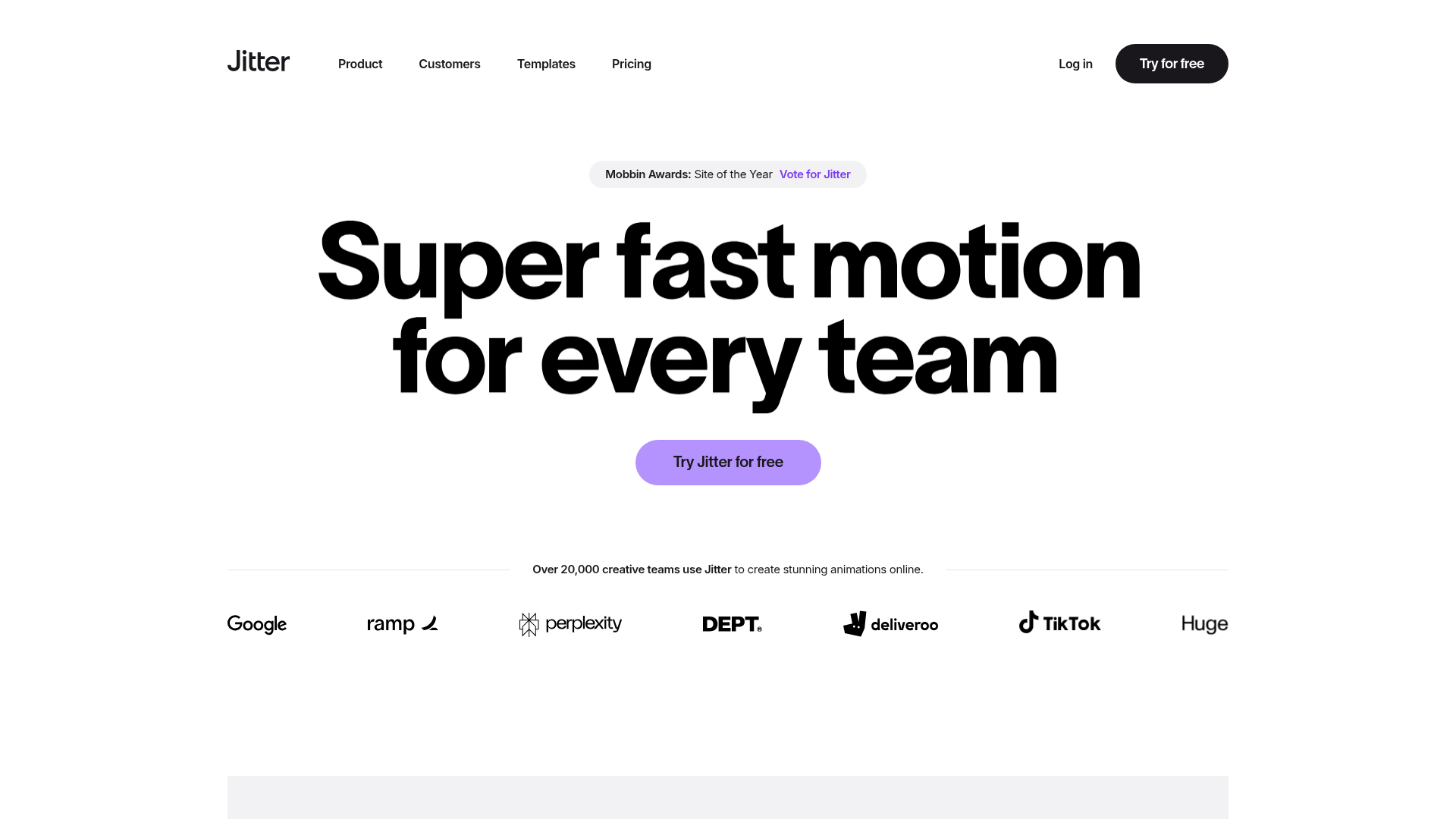
Motion graphics used to require expensive software, years of learning, and a dedicated motion designer on the team. Jitter changes that with an intuitive, browser-based editor where you can select elements and apply smooth animations in just a few clicks. Whether you need a looping social media animation, an animated logo reveal, or an intro sequence for your YouTube videos, Jitter gets you there without a steep learning curve.
Browser-based editor. design and animate entirely in your browser, no software to install
Figma import. bring your existing Figma designs directly into Jitter and animate them
Animation presets. apply polished animations to any element with one click
Export as MP4, GIF, or WebM. flexible formats for social media, web, and video
Templates library. start from professionally designed animated templates for faster production
Real-time collaboration. share and edit with team members in the same project
Who Is It For?
Designers and content creators who want to add smooth, professional motion to their design assets — UI animations, micro-interactions, social media animated posts, and branded motion graphics — without full animation software expertise.
For complex, frame-by-frame animation or highly technical motion design, Jitter's drag-and-drop approach will be limiting. Experienced motion designers working on detailed broadcast or advertising projects need After Effects or similar professional tools.
Pros and Cons
- ✅ Intuitive interface for motion design without learning After Effects
- ✅ Good for animated social media content and UI animations
- ✅ Figma integration for designers already in that workflow
- ✅ Export as video or GIF for social media use
- ❌ Less precision than professional motion design software
- ❌ Limited to supported animation types — complex custom motion requires other tools
- ❌ Free plan has export limitations
Pricing
Jitter has a free plan. Paid plans start from around $17/month for more exports and features.
Summary
Jitter makes motion design genuinely accessible for creators who want animated content without investing months in learning animation software. The output quality is solid for social media and presentation animations. For creators who regularly produce animated content, the time saving compared to learning After Effects from scratch is significant.