
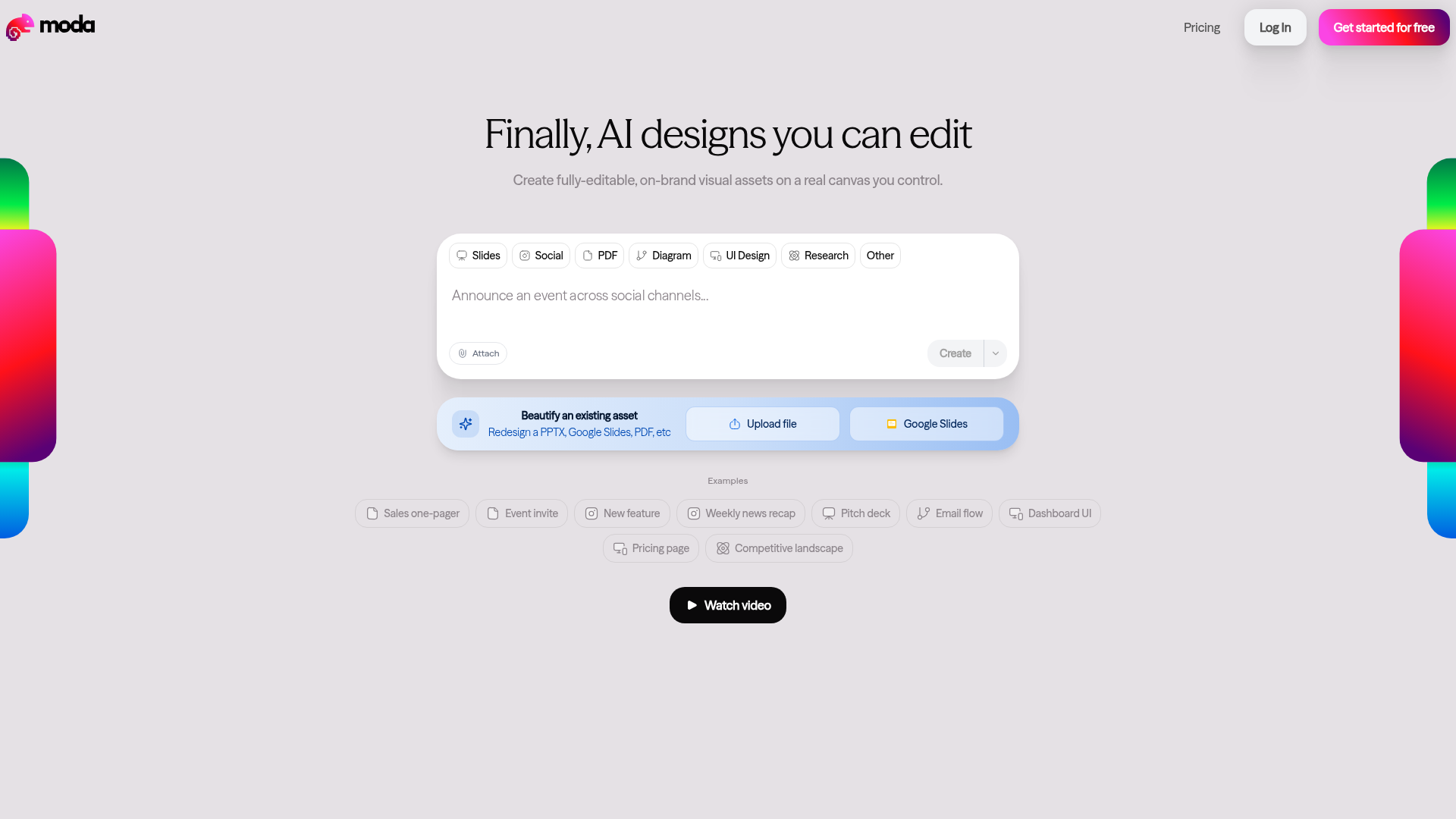
The fundamental problem with most AI design tools is that they generate images — flat, uneditable outputs you can't adjust without starting over. Moda solves this by generating real design assets on a real canvas, where every element is individually selectable and editable. Text can be changed, colors can be swapped, layouts can be restructured — all within Moda's built-in editor without needing to export to another tool.
Slide decks and presentations. fully branded, beautifully structured pitch decks and slide decks
Social media posts. Instagram carousels, LinkedIn posts, Twitter/X banners, and Facebook graphics
PDFs and documents. sales one-pagers, hiring letters, event invites, and employee documents
Diagrams and UI design. wireframes, flowcharts, UI mockups, and competitive landscape maps
Research and pricing pages. product comparisons, competitive analyses, and pricing tables
Remix existing files. upload a PPTX, Google Slides file, or PDF and beautify it with Moda AI
Who Is It For?
Creators, marketers, and small business owners who need polished slide decks, social media graphics, PDFs, and branded documents quickly. Moda suits those who want professional design output without hiring a designer or spending hours in complex design software.
For highly bespoke brand identity design or complex multi-page publications, Moda's AI-assisted approach may produce output that feels too templated. Creators with very specific, distinctive visual requirements may find the customisation limits frustrating.
Pros and Cons
- ✅ AI-generated, fully editable design assets
- ✅ Covers slides, social posts, and branded PDFs in one tool
- ✅ No design skills required
- ✅ Good range of template styles and layouts
- ❌ Output may look similar to other users' designs if templates are popular
- ❌ AI design choices sometimes require significant adjustment
- ❌ Less control than professional design software
Pricing
Check Moda's website for current pricing. Affiliate code may provide a discount.
Summary
Moda is a practical AI design tool for creators who need professional-looking collateral regularly without a full design workflow. The AI-generated starting points save significant time compared to designing from scratch. Review and customise every output carefully — AI design tools work best when a human gives the final direction.