
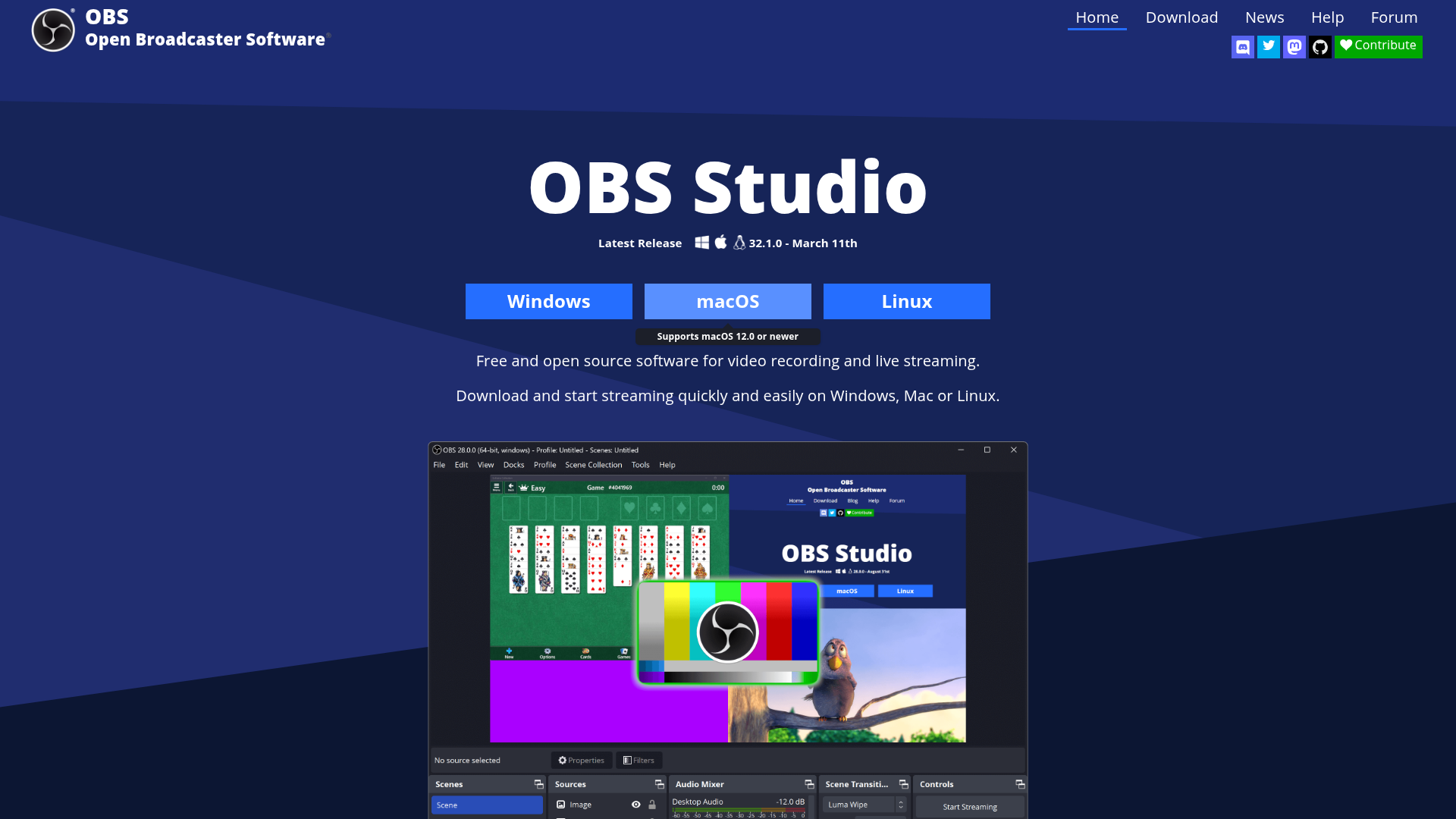
OBS Studio is not just popular — it is the definitive tool for live streaming and screen recording. No paid software has displaced it despite years of competition, because it combines professional-grade performance with complete freedom: no watermarks, no recording limits, no subscription, no platform lock-in. Whether you're streaming to Twitch, YouTube, Rumble, or a custom RTMP server simultaneously, OBS handles it. The plugin ecosystem extends its capabilities dramatically, and it's actively maintained by a large open-source community with financial backing from the platforms that depend on it.
Multi-source scene composition. layer window captures, webcams, images, text, and browser windows into professional scenes
Unlimited scenes. create and switch between multiple production layouts smoothly with custom transitions
Intuitive audio mixer. per-source audio control with noise gate, noise suppression, gain, and VST plugin support
Studio Mode. preview your next scene before pushing it live, ensuring perfect quality before your audience sees it
Multiview. monitor up to 8 scenes simultaneously and switch between them with a single click
Cross-platform streaming. stream to Twitch, YouTube, Rumble, and any RTMP-compatible platform simultaneously
Who Is It For?
Live streamers, gaming creators, and anyone who records their screen regularly. OBS is worth learning even for basic YouTube tutorials — the output quality at zero cost beats most paid screen recorders. Particularly valuable for anyone who wants full control over how their stream or recording looks.
OBS has a real learning curve. If you need to be recording within five minutes and have never used production software, simpler tools will get you started faster. OBS rewards investment in learning it, but that investment is genuinely required to use it well.
Pros and Cons
- ✅ Completely free and open source — no watermarks or time limits
- ✅ Handles both live streaming and local recording
- ✅ Powerful scene composition with unlimited sources and transitions
- ✅ Large plugin library extends functionality significantly
- ❌ Steep learning curve for new users
- ❌ Interface can be confusing without guides or tutorials
- ❌ Performance impact on lower-end systems during streaming
Pricing
OBS Studio is completely free. No paid version, no premium tier, no watermarks ever.
Summary
OBS is the right choice if you are serious about streaming or creating screen-recorded content at quality. The learning curve is real but the payoff — professional-looking output at no cost — makes the time investment worthwhile. Start with a basic scene setup and learn incrementally rather than trying to configure everything at once.