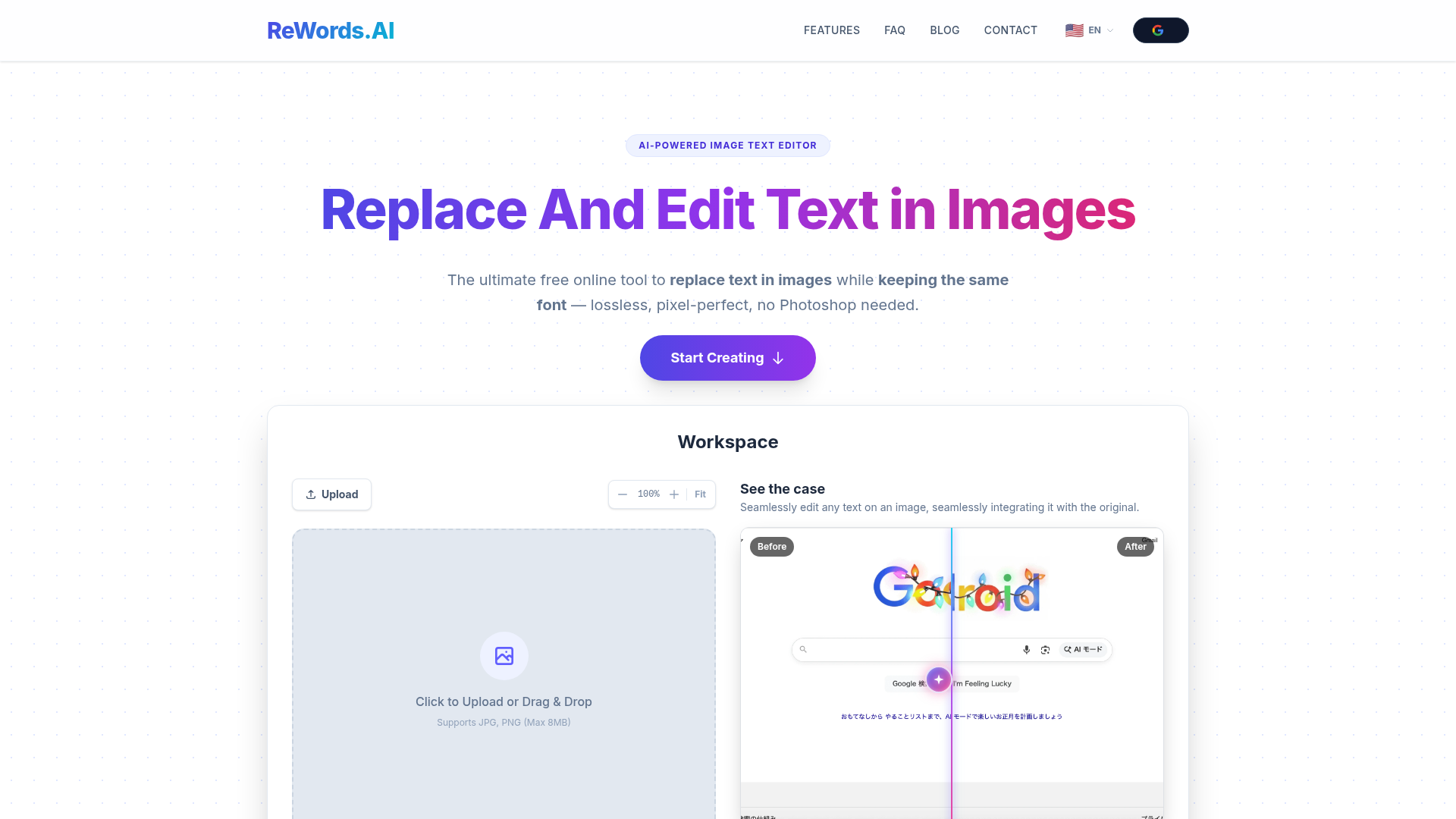
Most tools that claim to "edit text in images" actually just place a text layer on top of the image — the original text is still there underneath, and the result looks obviously patched. ReWords.AI takes a different approach: it uses AI in-painting to actually remove the original text, reconstruct the background behind it, and then generate new text in the same font and style. The result is a clean, pixel-accurate replacement that blends in with the original image.
Pixel-level text replacement that matches the original font. ReWords.AI's OCR detects text in your uploaded image, identifies the font style, size, and colour, and when you enter replacement text, regenerates the image with the new text blending seamlessly into the background. This works on screenshots, product mockups, printed signs, handwritten notes, and UI elements — not just simple flat backgrounds.
Practical uses for content creators. For creators, this opens up a number of specific workflows: updating dates on screenshots without re-creating the whole graphic, fixing typos found in a thumbnail after publishing, translating text in an image for a different regional audience, creating mockup variations with different copy, or correcting text in a UI screenshot used in a tutorial. All tasks that would previously require Photoshop skills or outsourcing.
Works on complex backgrounds. Where other tools fail is on textured backgrounds, gradients, or images with visual noise behind the text. ReWords.AI's AI in-painting engine specifically reconstructs background detail behind the removed text, which means it handles real-world images rather than just solid-colour designs.
Free to start, pay-as-you-go for more. New users get free credits to try the full experience with no credit card needed. Paid plans are structured on a per-image credit basis — 1 credit covers 1 image with unlimited text box replacements, so you are not charged per text change within the same image. Featured on Product Hunt with an average 4.6 rating from 85,000+ users worldwide.
Who Is It For?
ReWords.AI is particularly useful for creators who work with screenshots, product images, or any visual where text needs updating without rebuilding the whole graphic from scratch. Useful for international creators producing content for multiple language markets, tutorial creators who need to update UI screenshots quickly, and anyone who wants to correct text in a visual asset without opening Photoshop.
Best Niches to Use With
Pros and Cons
- ✅ AI replaces text at the pixel level — not an overlay
- ✅ Automatically detects and matches original font, colour, and background
- ✅ Works on textured backgrounds, handwriting, and complex images
- ✅ 85,000+ users, 1M+ tasks completed, 4.6 average rating
- ✅ Free credits to start — no credit card required
- ✅ 1 credit = 1 image with unlimited text replacements
- ❌ Pay-as-you-go model means ongoing use has a cost
- ❌ OCR scan can occasionally misread text — needs verification before replacing
Summary
ReWords.AI fills a specific gap that most design tools leave open — the ability to replace text inside an existing image realistically, without Photoshop skills. If you regularly work with screenshots, mockups, or images where the text needs updating, the free trial alone is worth trying to see how it handles your specific use case. The pixel-level matching is genuinely impressive on complex backgrounds.
Try ReWords.AI Free →